
Password Keeper App
Password Keeper App, Offline Manager, No Subscription, Runs in Browser
$10.00
Buy on EtsyOpens the listing on Etsy in a new tab. Checkout happens on Etsy.
- Instant digital download
- Buy through Etsy checkout
- No subscription
- Made by Utility Forge Studio
- Questions? Email utilityforgestudio@gmail.com
See it in use
About this download
A REAL PASSWORD MANAGER THAT LIVES ON YOUR OWN COMPUTER
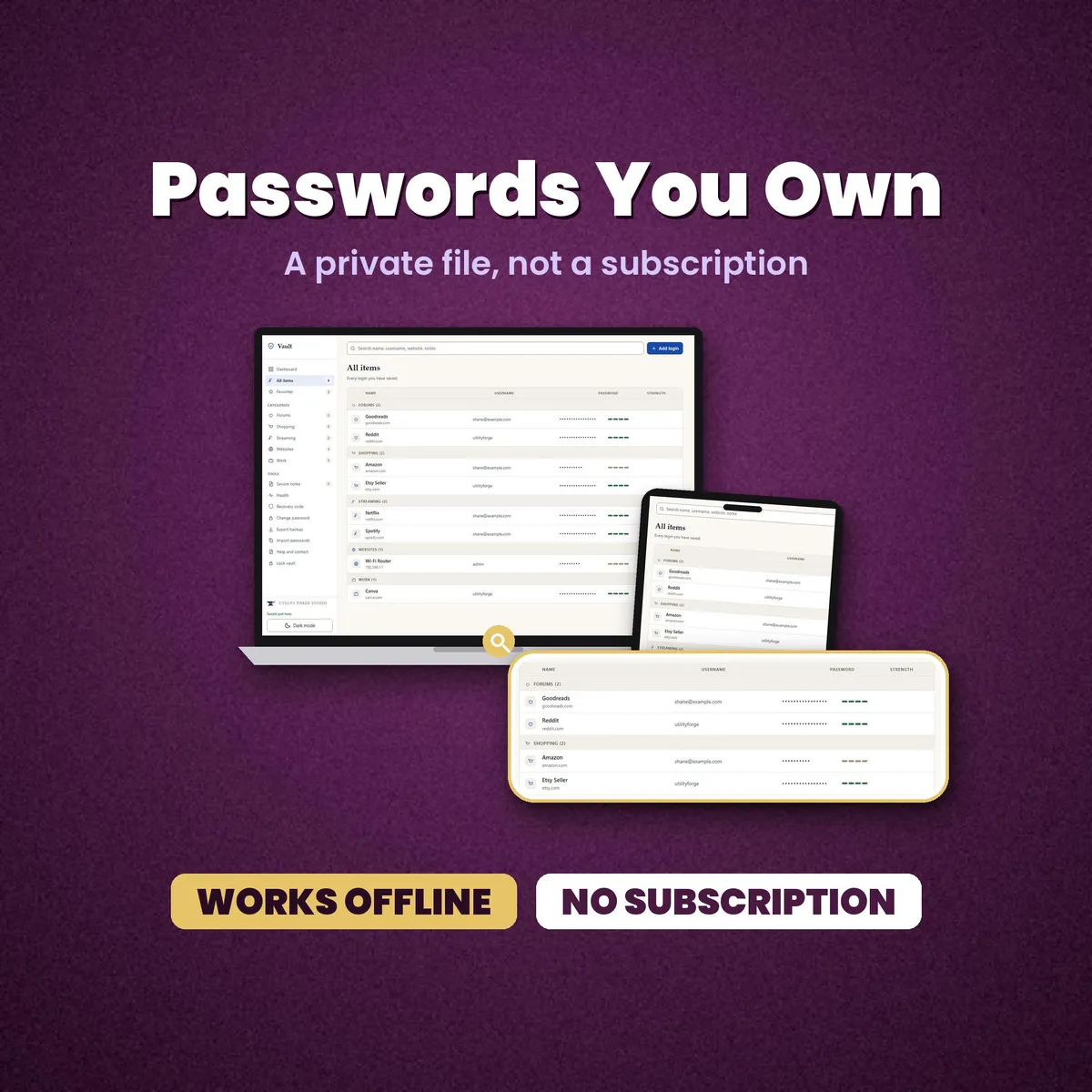
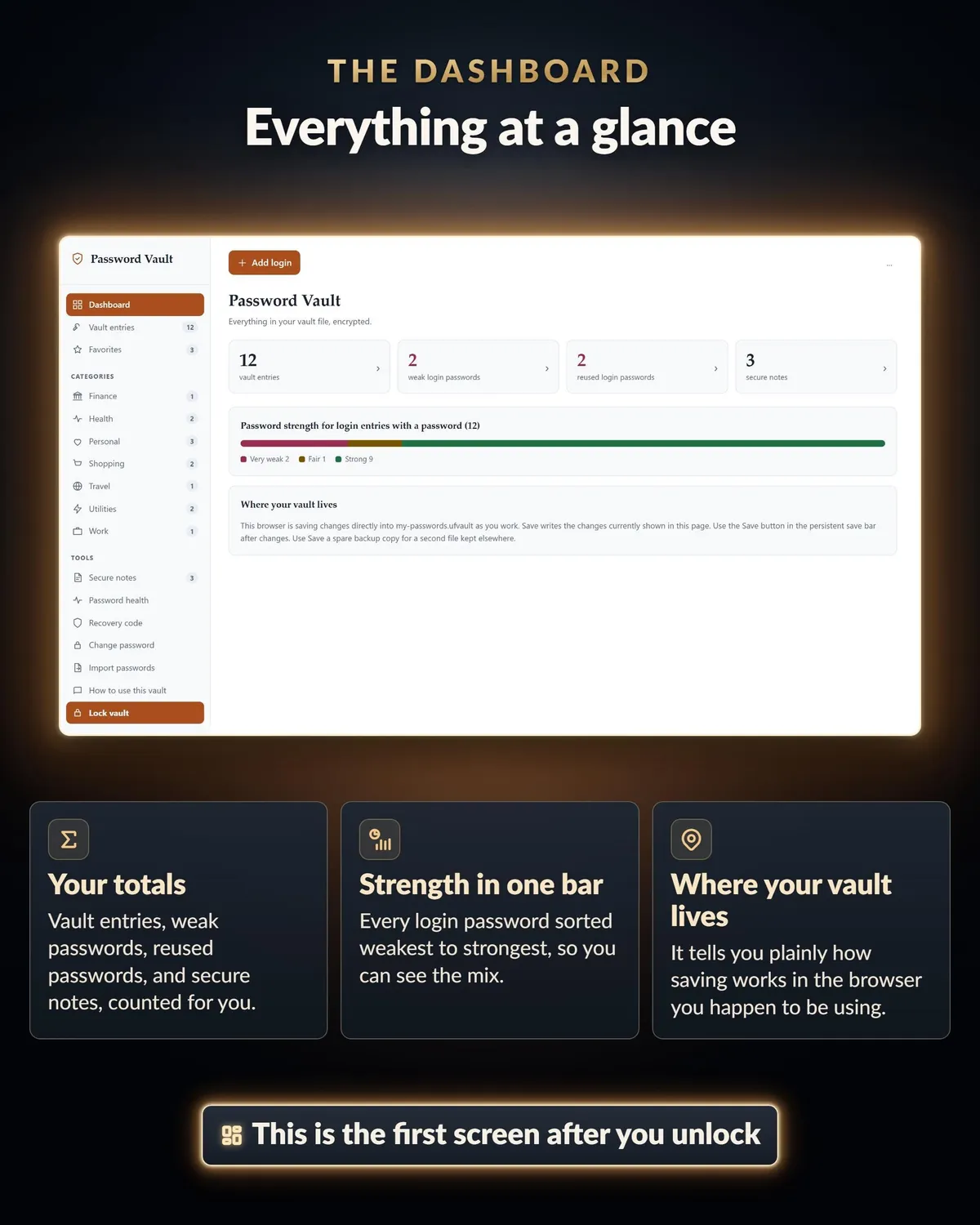
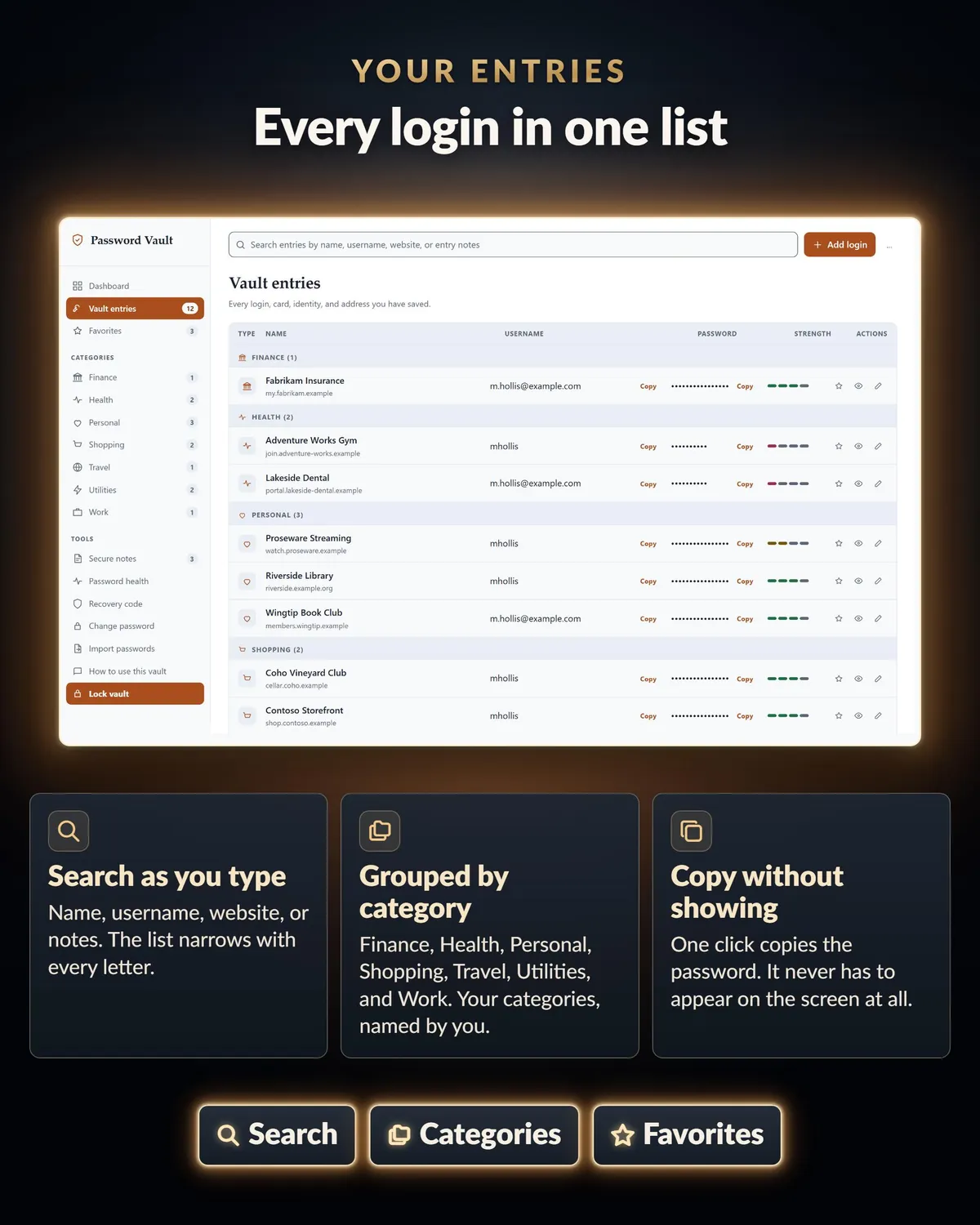
You open it in the browser you already use and it runs as a full app: search, categories, a password generator, and a health report on your weak and reused passwords.
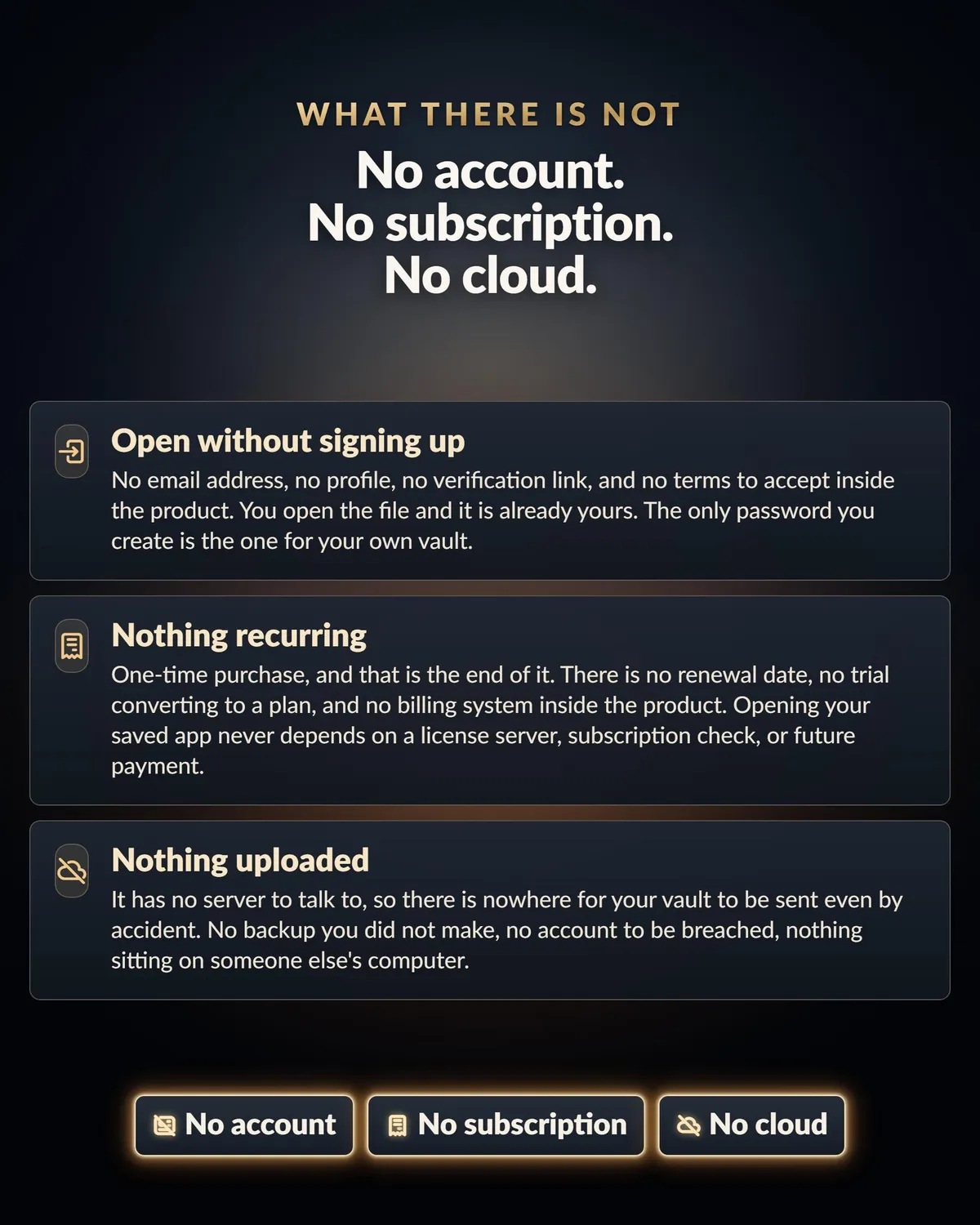
Turn your Wi-Fi off and open it. It still works. There is no account, no subscription, and nothing to install on your computer.
Your vault is a file you keep on your own drive, so nobody can close it, expire it, raise the price on it, or lose it in a breach of somebody else's server.
WHAT YOU GET
For the shops, the streaming accounts, the forums, the school portal, the sixty sites you signed up to once and forgot:
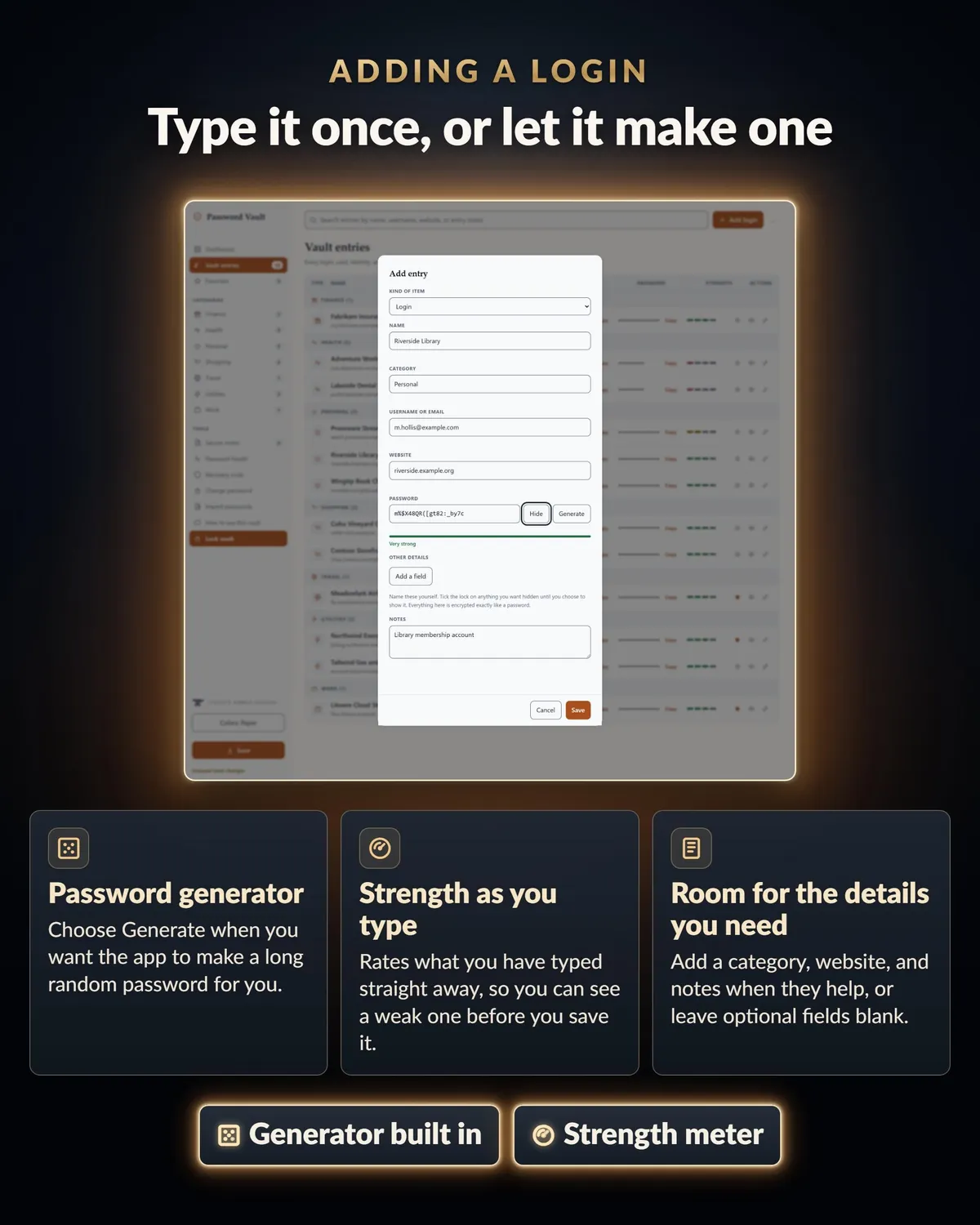
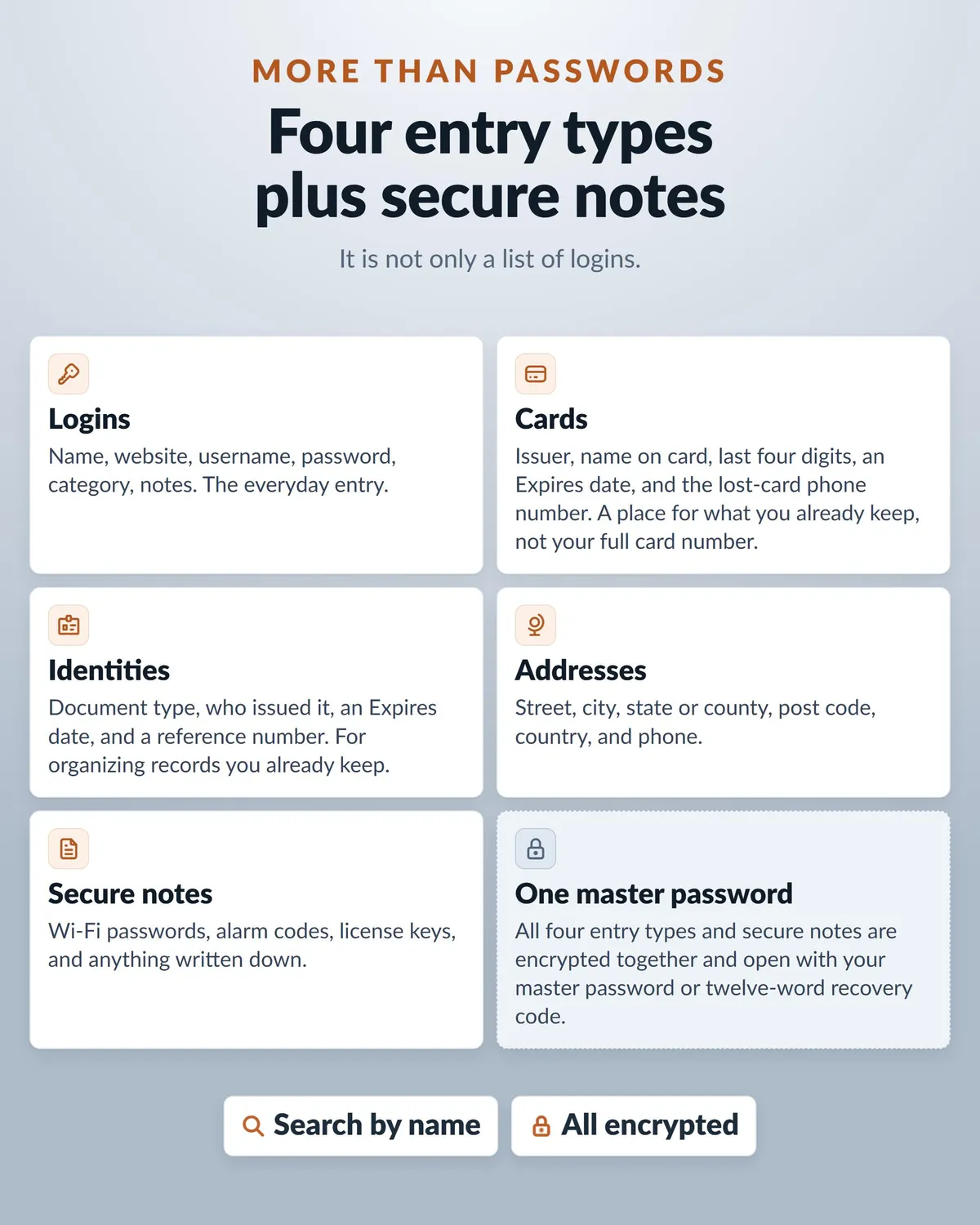
Logins with name, username, password, website, category, and notes
Card, Identity, and Address formats for the records you already keep
Custom fields, up to 40 per entry, with a lock on anything you want hidden
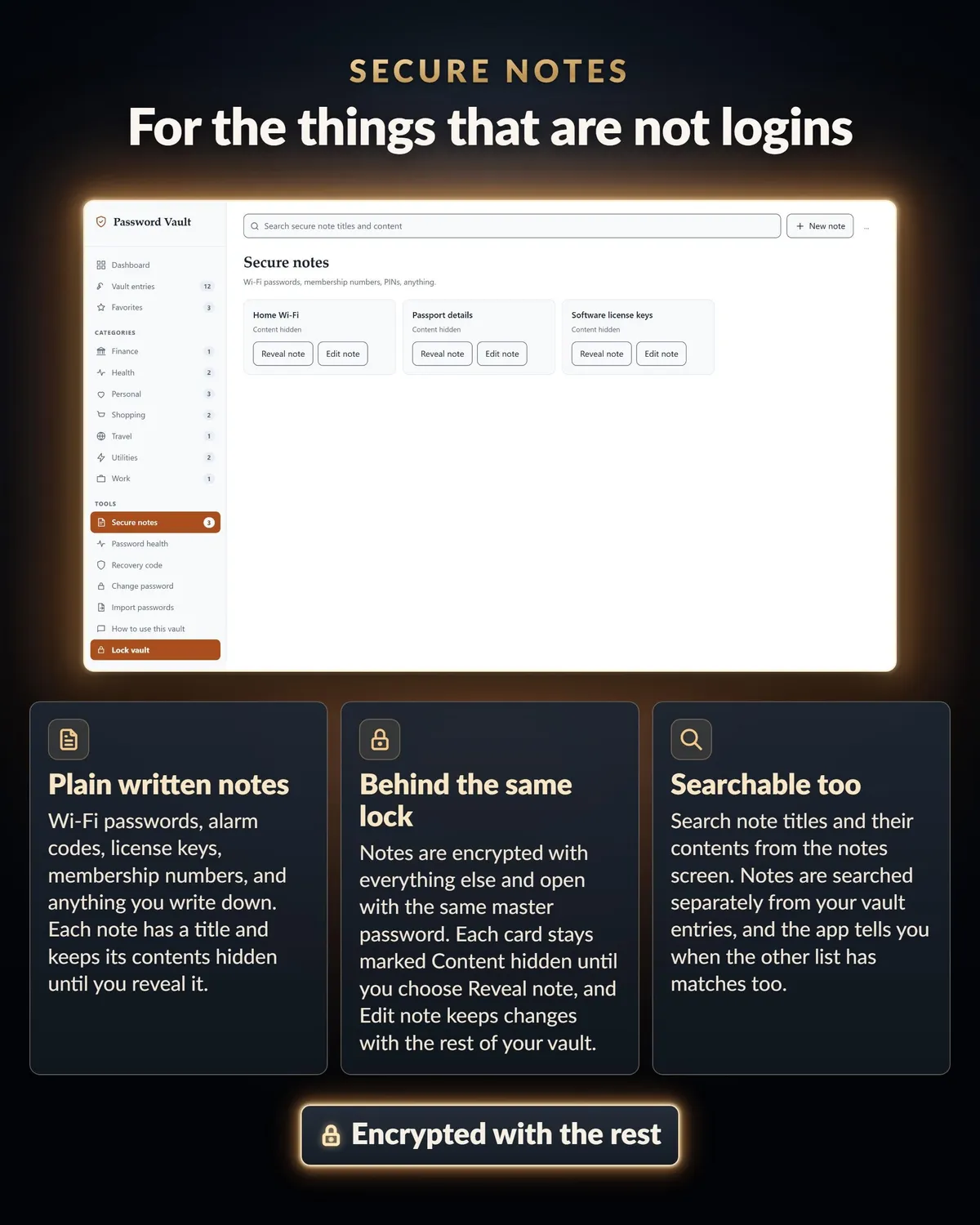
Secure notes that stay hidden in the list until you choose Reveal note
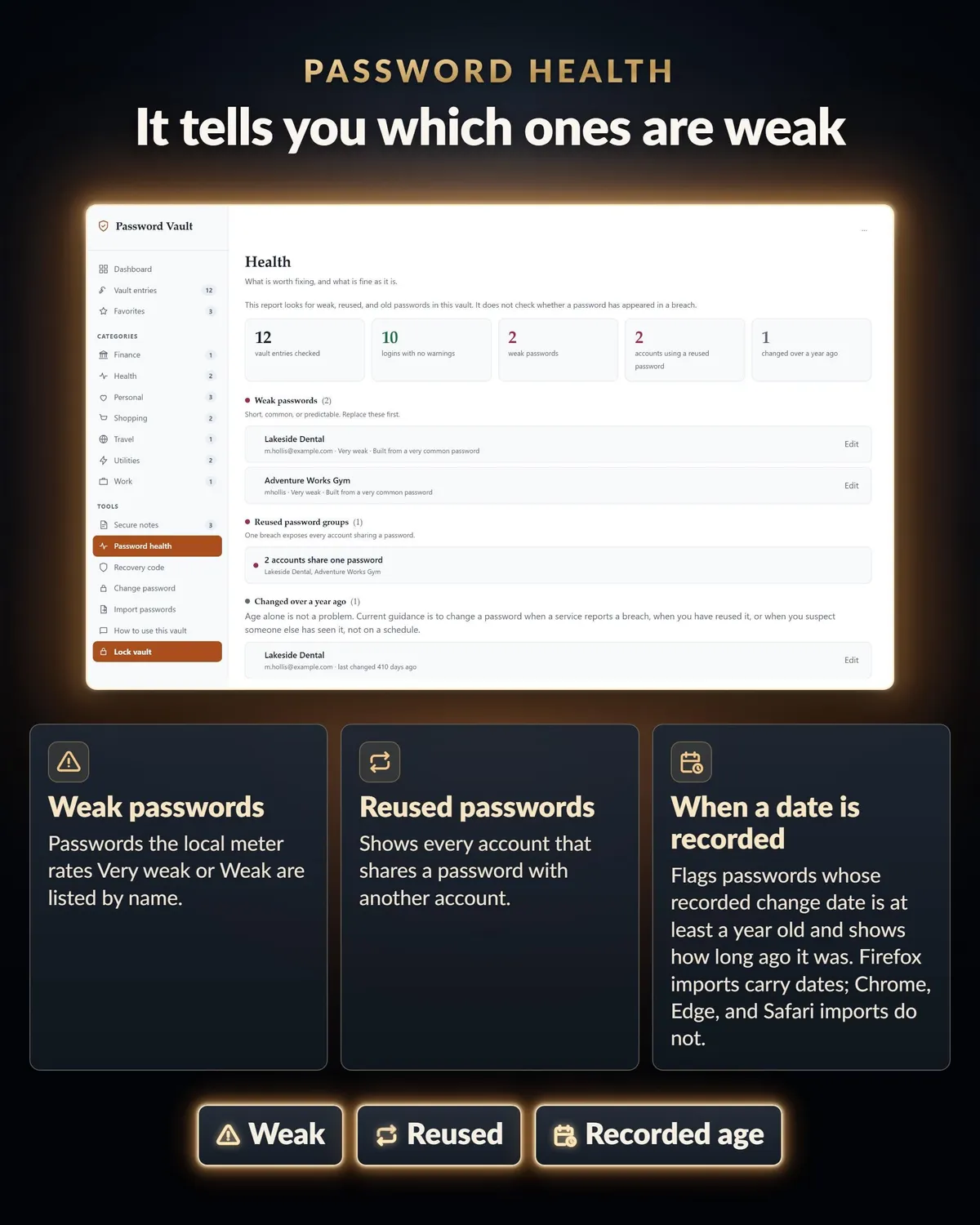
A password health view that flags weak passwords, reused passwords, passwords over a year old, and entries with no password saved
A built-in password generator, with length and character choices
Search across names, usernames, websites, categories and notes
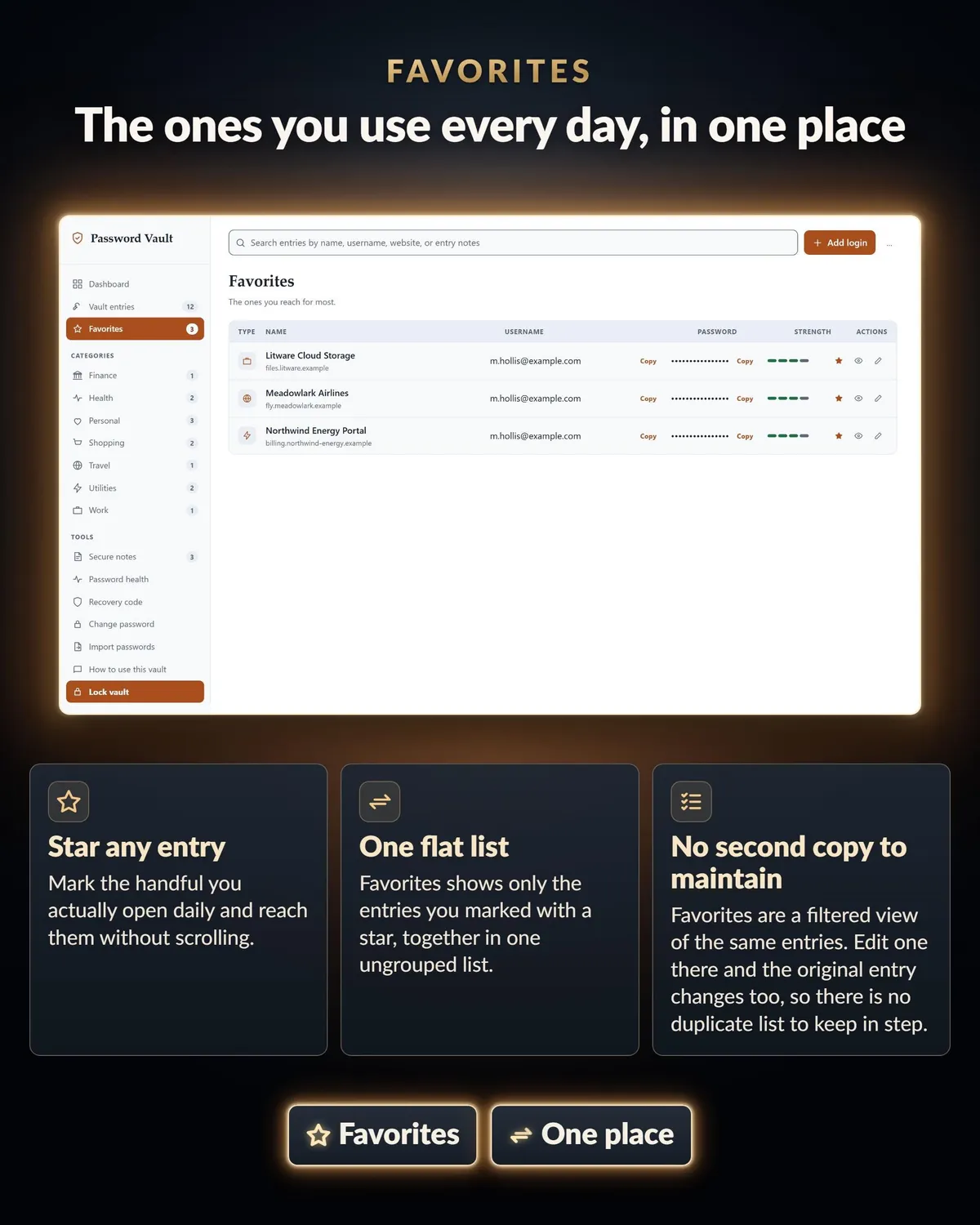
Favorites, so the handful you open daily are one click away
A clipboard that clears itself 30 seconds after you copy a password
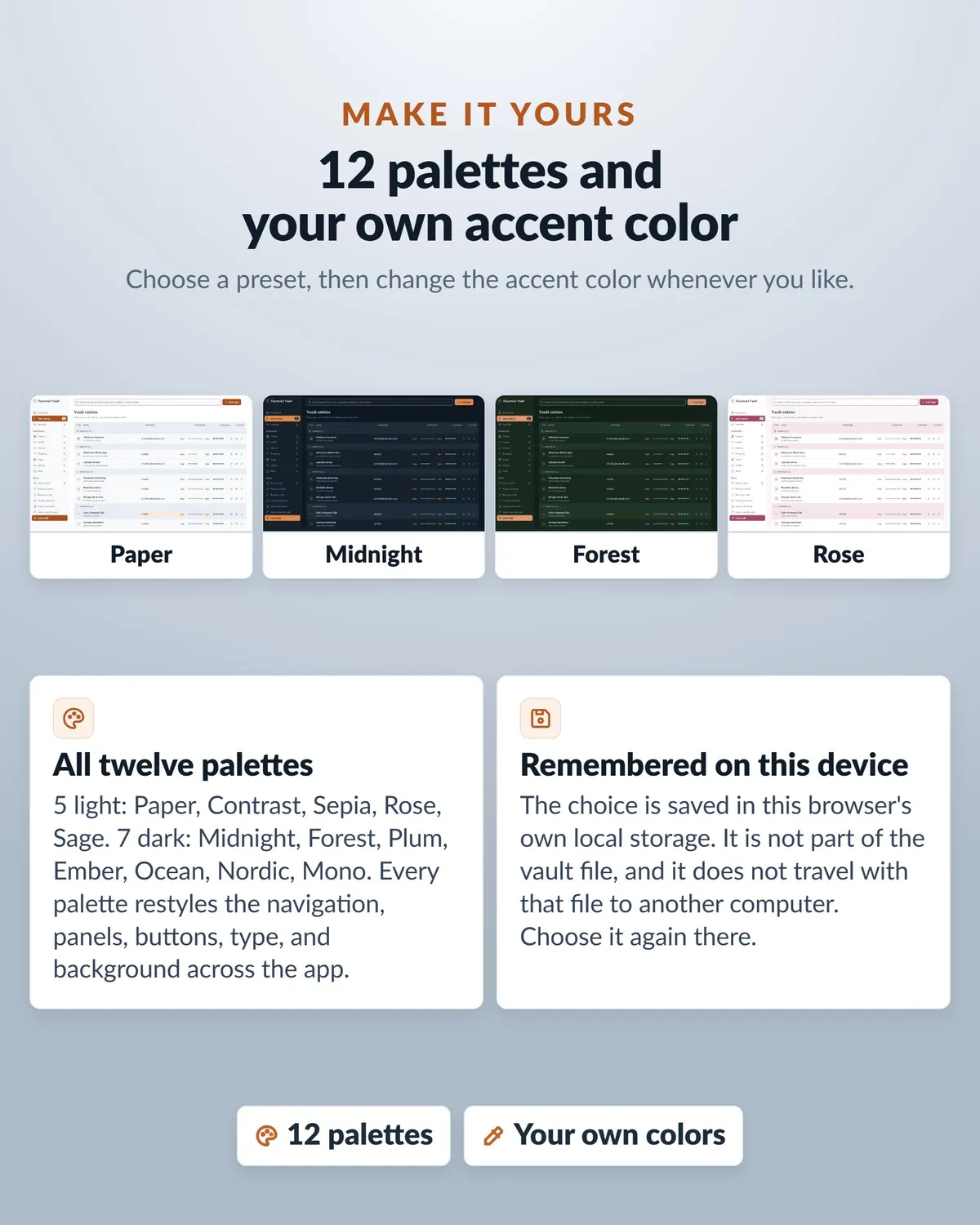
Twelve color palettes, five light and seven dark, including a high-contrast one, plus your own accent color
An auto-lock after 10 minutes idle, with a one-minute warning first
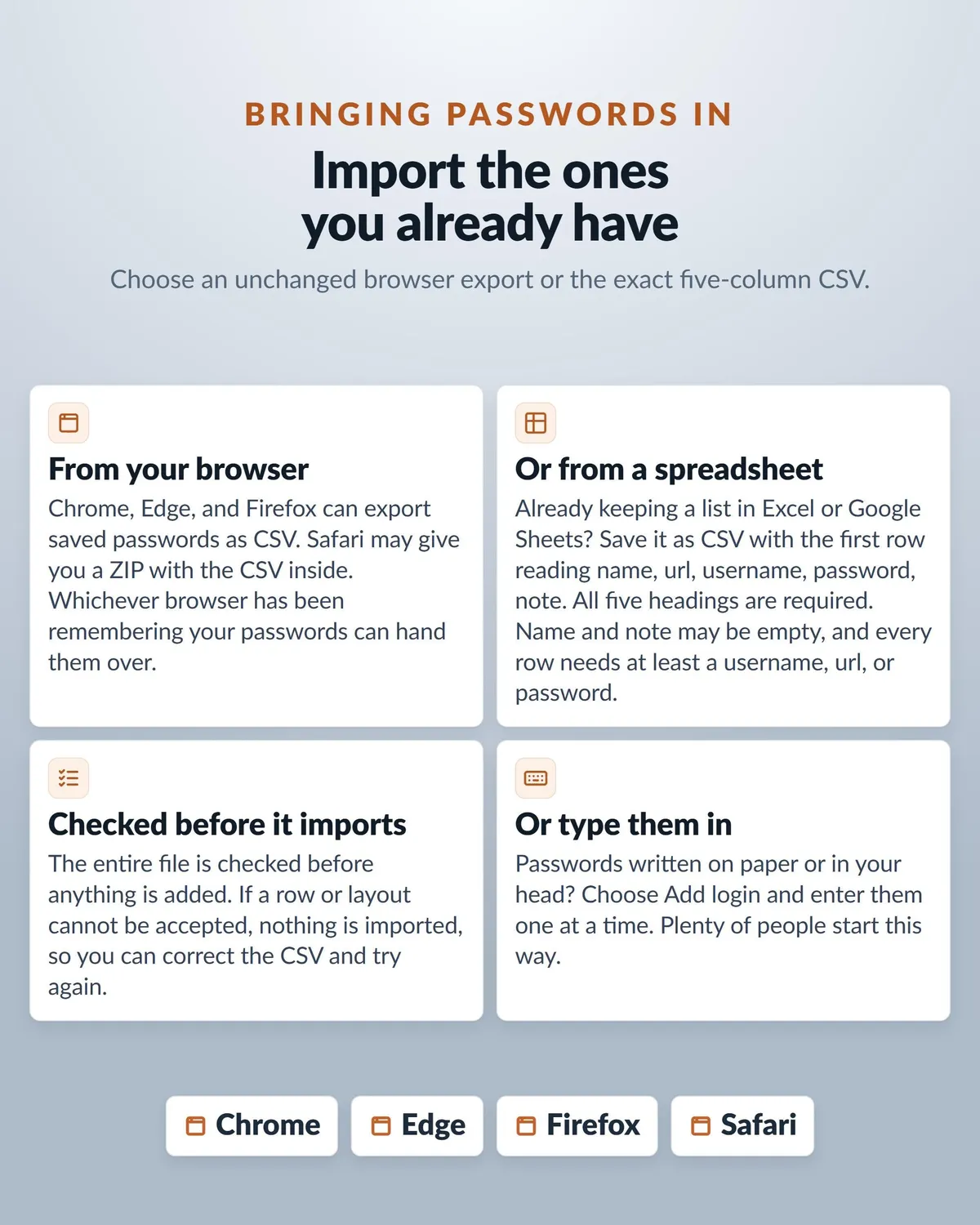
Import from Chrome, Edge, Firefox and Safari, so you are not typing everything in again
A spare-backup button that writes a full encrypted copy, and an in-product guide
WHY A FILE BEATS AN ACCOUNT
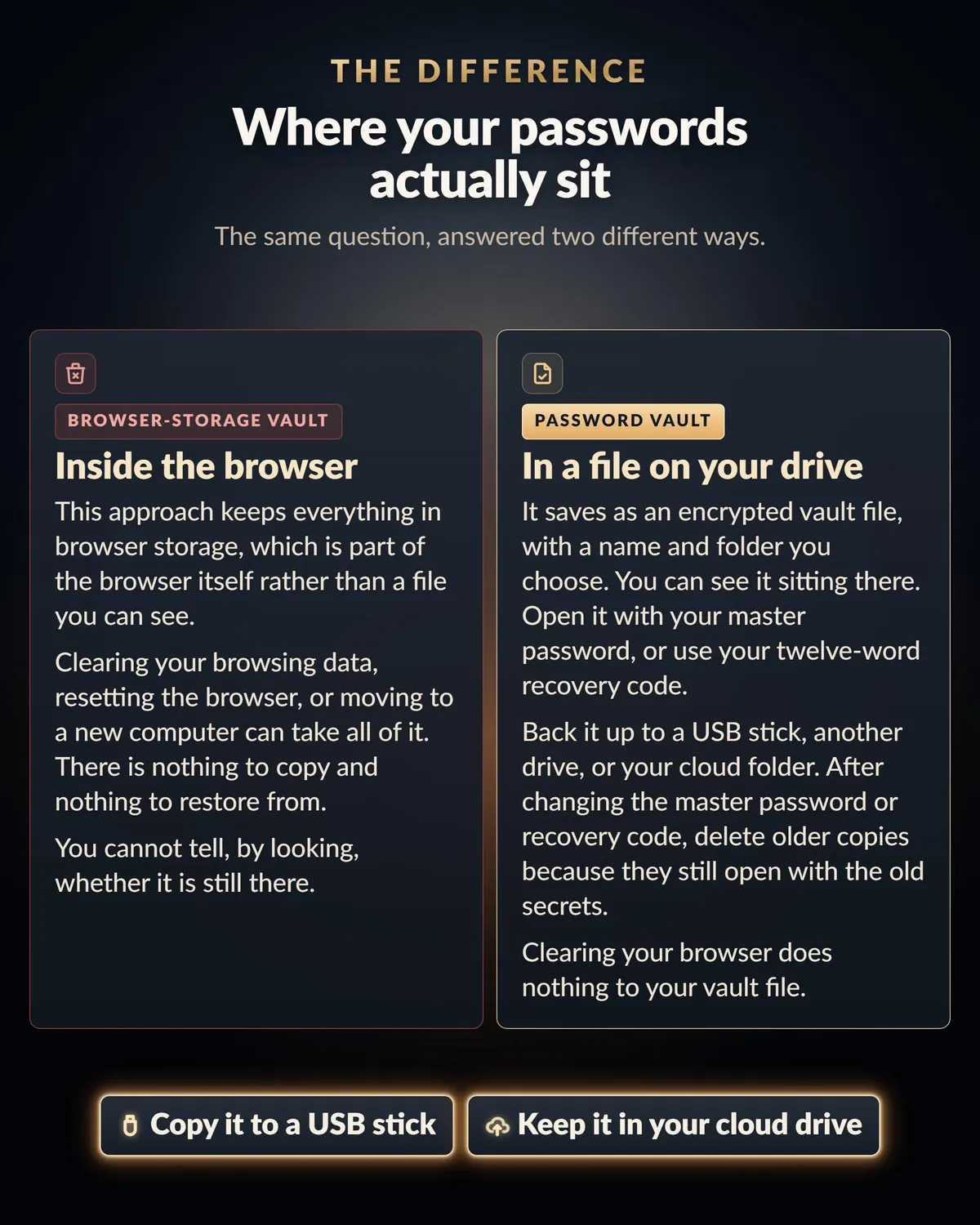
Browser-based tools keep your data inside the browser, so clearing your browsing data can erase it. Cloud managers keep it on a company's server, so you are trusting their security, and their pricing, forever.
Your vault is a file. Copy it, back it up to a USB stick or a cloud folder you trust, move it between computers. You pay once, not every year forever, and there is no renewal, no activation check, and no account anyone can close on you.
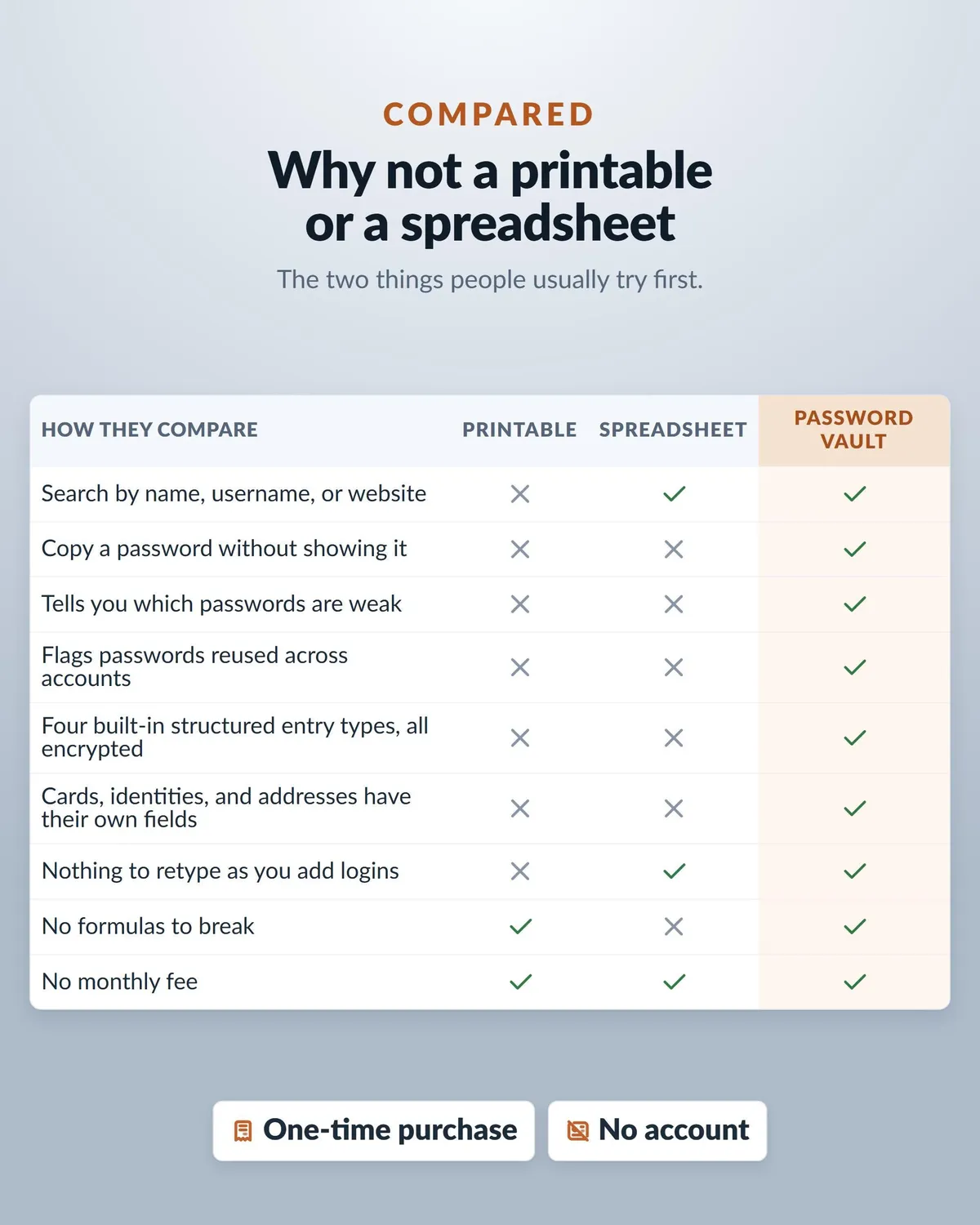
And if you have been looking at printable password books: this one is encrypted, you can search it, it generates strong passwords for you, and nobody who picks it up can read a single entry.
There is no account, so I never need your vault file, master password or recovery code. Never send those to anyone, including me.
BRING YOUR PASSWORDS ACROSS IN ONE BATCH
Export from Chrome, Edge, Firefox or Safari and import the file. They all come over at once, so you are not retyping years of logins. A spreadsheet works too, with the headings name, url, username, password, note.
Import adds to your vault and never overwrites what is already there. If anything in the file is wrong, the whole import is refused rather than half-done, so you are never guessing which logins made it.
You are not locked in either. Make a readable password file (CSV) writes your logins back out for moving to another manager whenever you like.
UP AND RUNNING IN ABOUT FIVE MINUTES
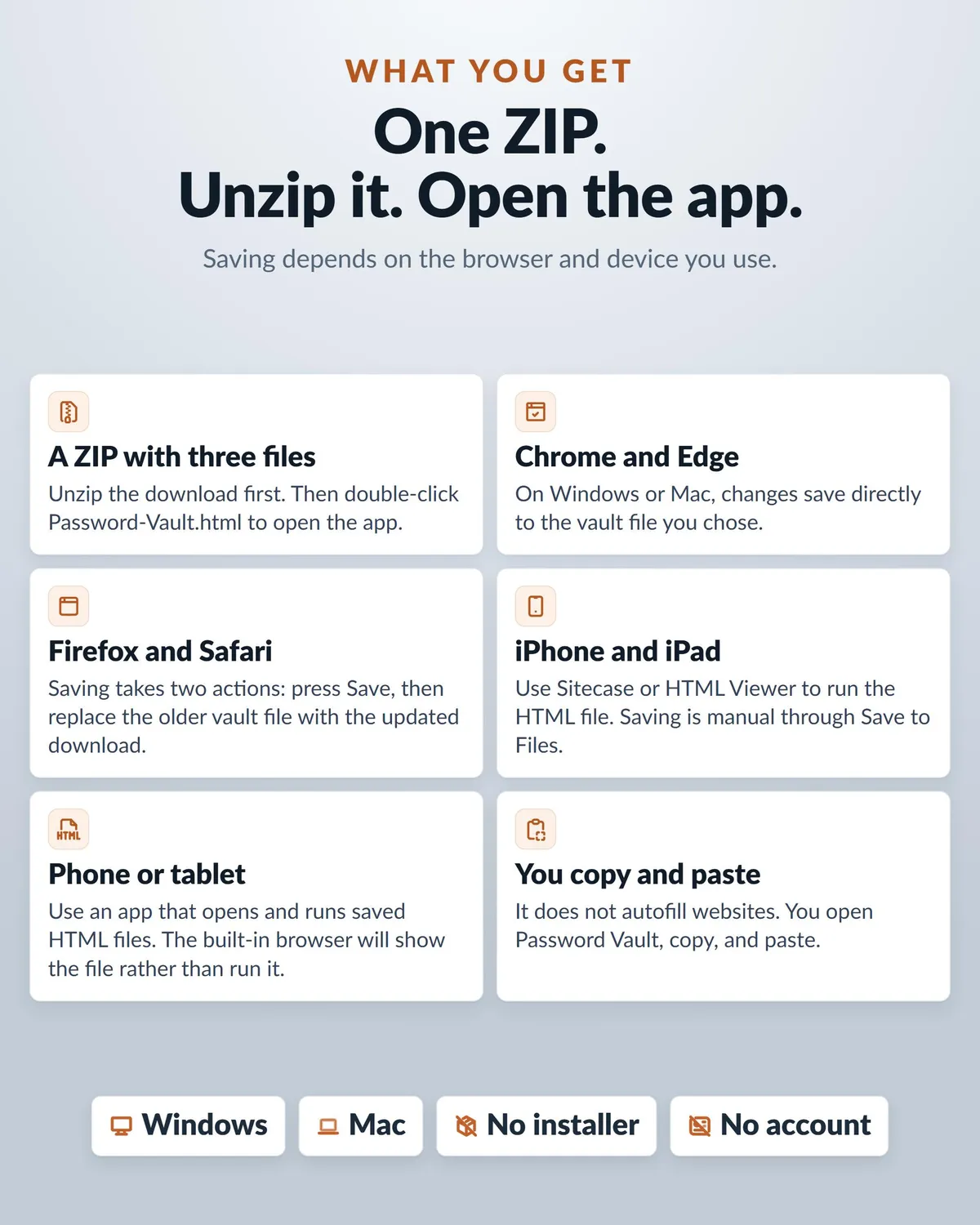
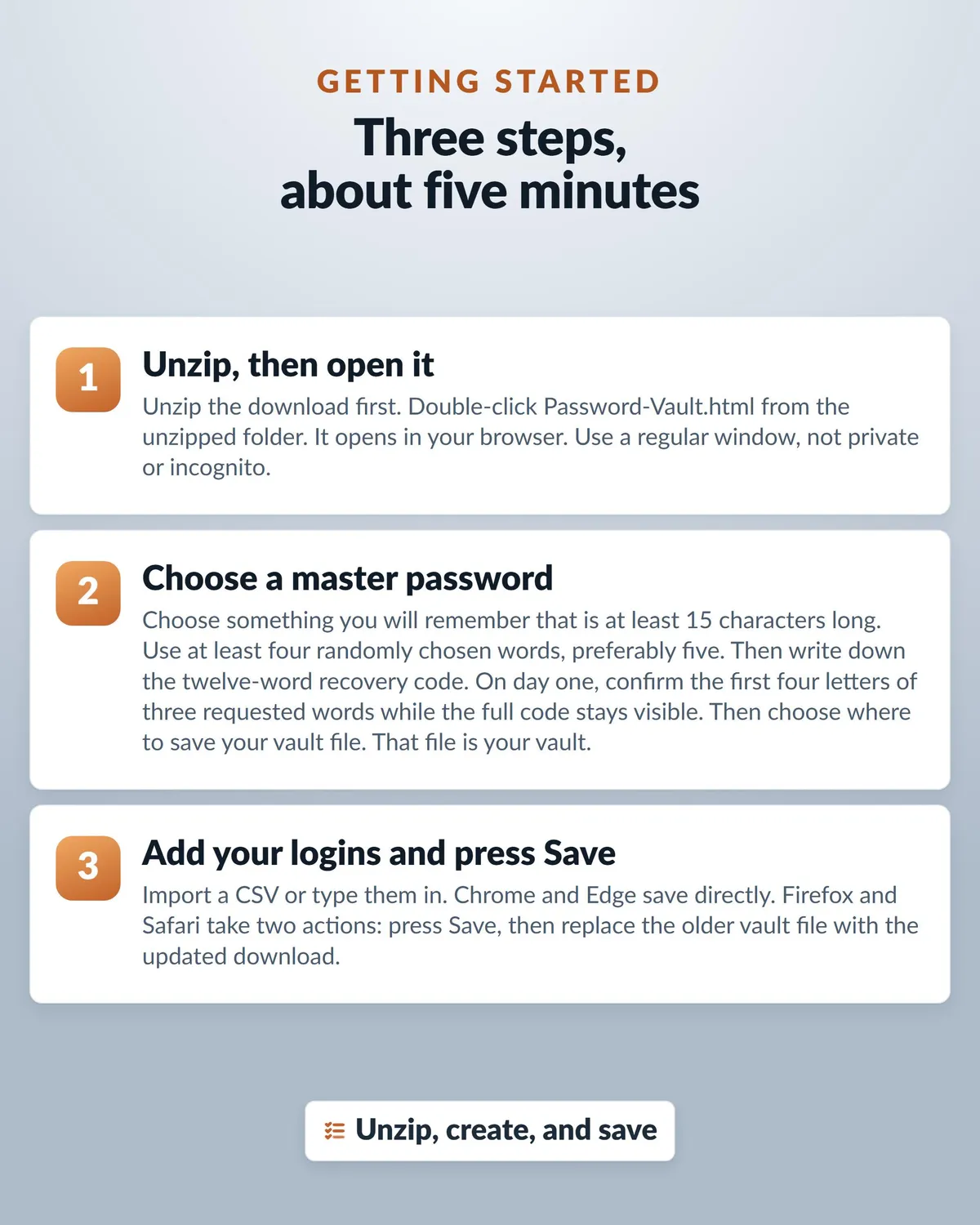
- Unzip the download and double-click Password-Vault.html. It opens in your browser.
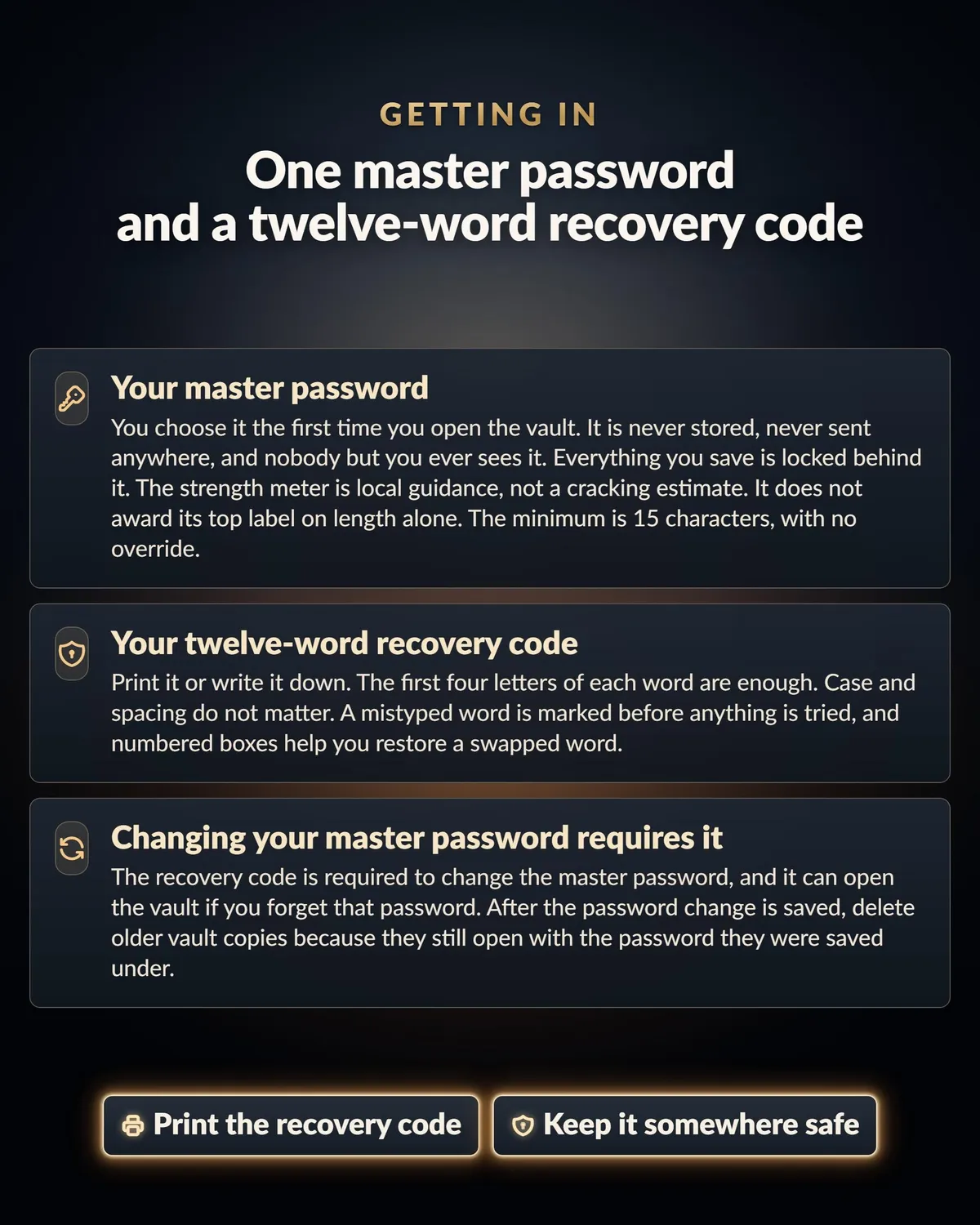
- Choose a master password, write down the twelve-word recovery code it gives you, and pick where your vault file lives.
- Import your browser passwords or start adding logins, and press Save.
STRONG ENCRYPTION, STATED PLAINLY
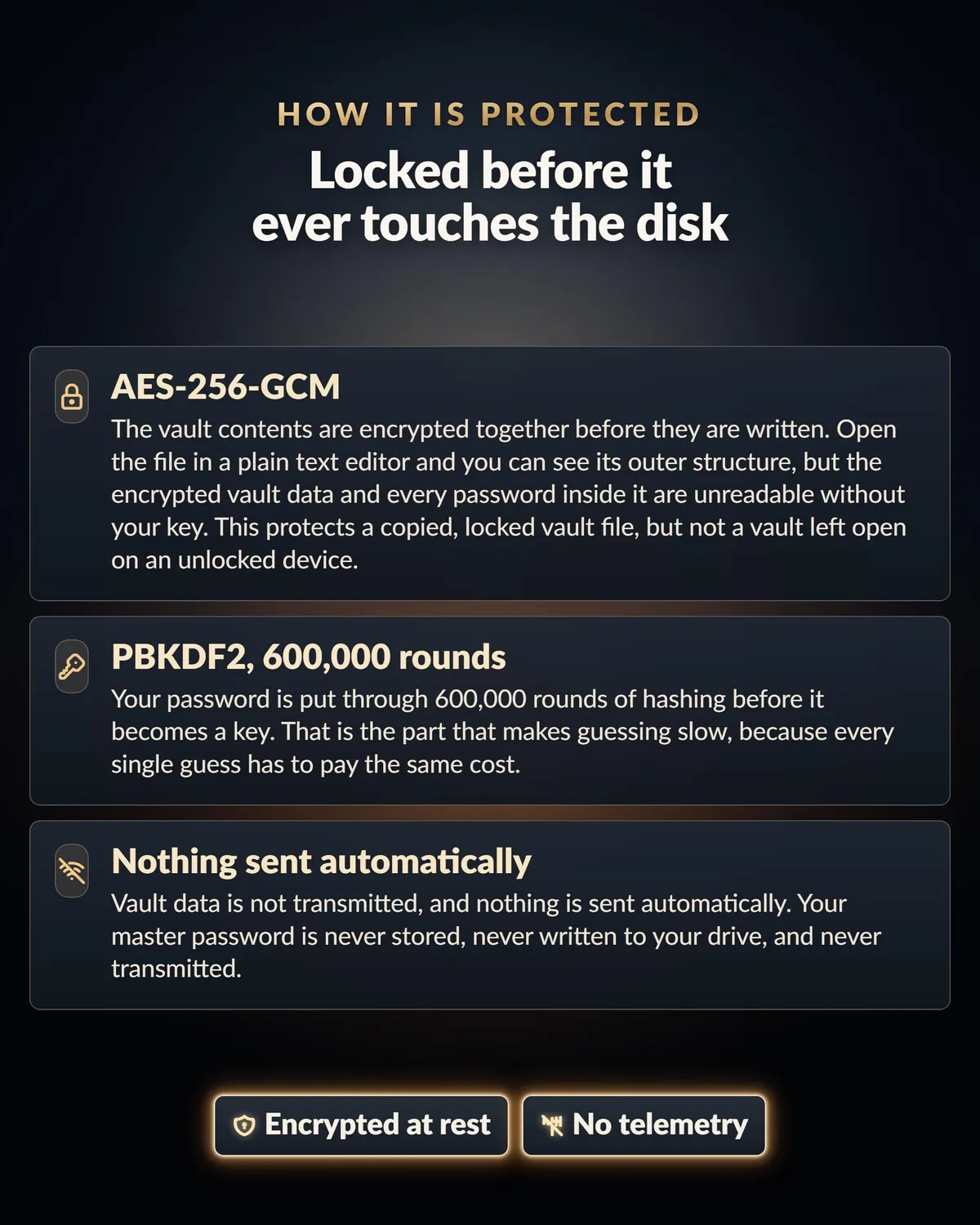
Your entries are encrypted with a random 256-bit key using AES-256-GCM. That key is wrapped by keys derived from your master password and your recovery code with PBKDF2-SHA256 at 600,000 iterations.
Nothing is transmitted and nothing is sent automatically. There is no server to talk to, which is why it works with the Wi-Fi off.
It is also one HTML file. If you can read code, you can read exactly what it does before you trust it with anything. Very few password managers let you do that.
There is also no company reset. A twelve-word recovery code is shown once at setup and opens the vault if you forget your password, so write it down and keep it somewhere separate from your computer.
GOOD TO KNOW BEFORE YOU BUY
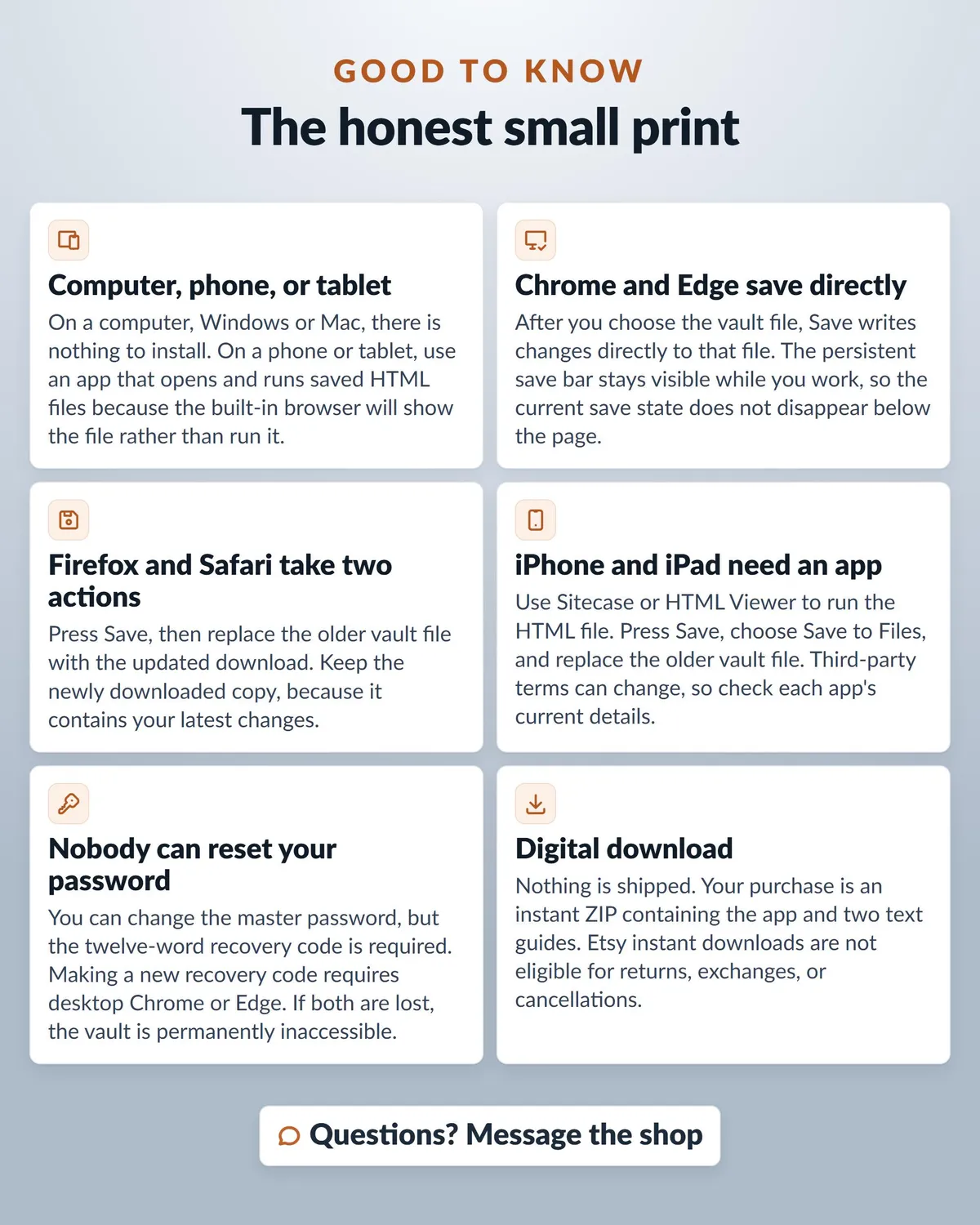
It is a vault, not a browser extension: you click to copy and paste, and it does not fill in web forms or sync between devices.
On a computer, Windows or Mac, there is nothing to install.
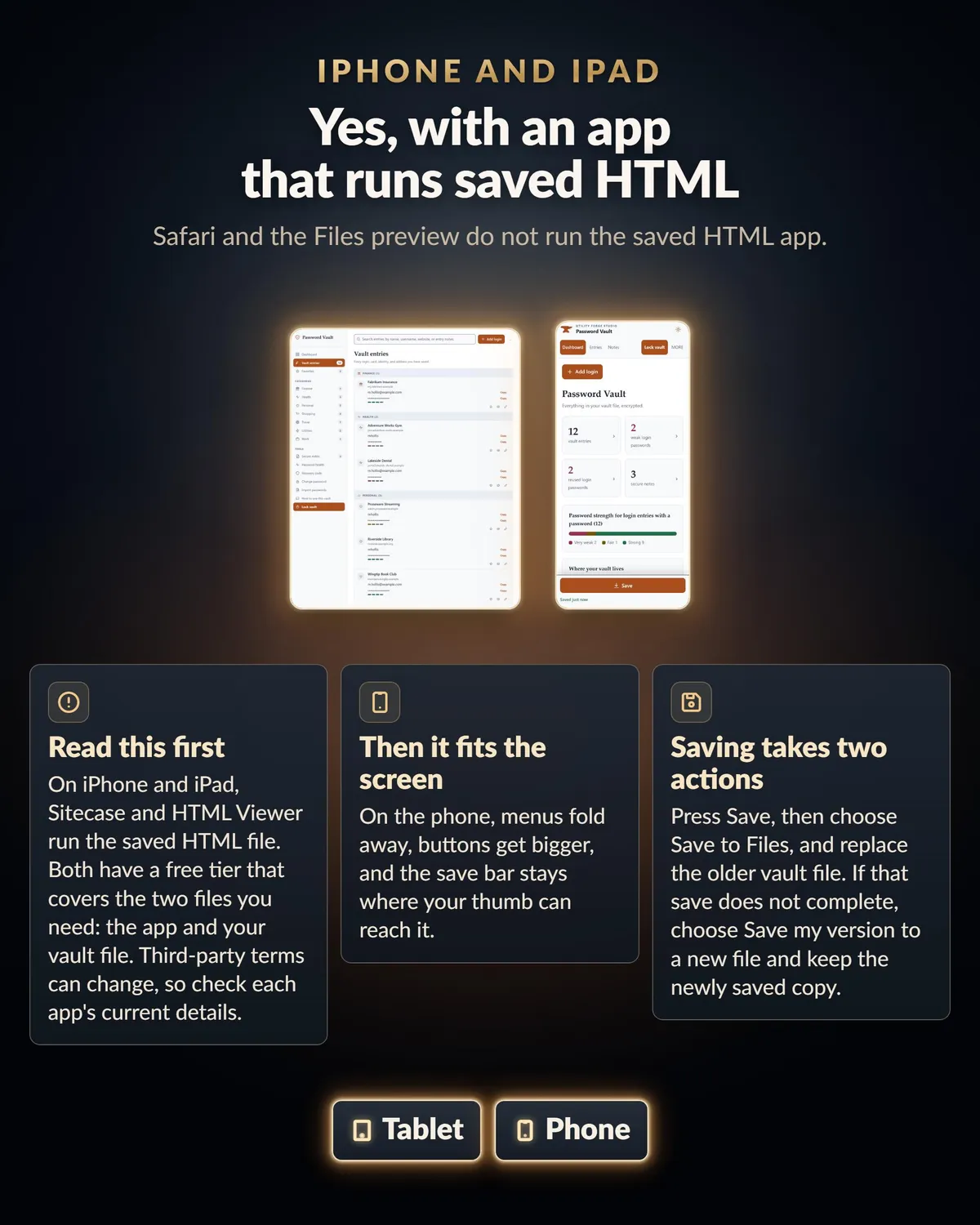
On a phone or tablet you need an app that opens and runs saved HTML files, because the built-in browser will show you the file rather than run it. On iPhone and iPad, Sitecase and HTML Viewer both do it and both have a free tier that covers the two files you need.
Download your purchase in a web browser, since the Etsy app cannot download digital files.
The README inside your download covers everything else: backups, saving in each browser, what to keep somewhere else, and what to do if something goes wrong.
WHAT YOU DOWNLOAD
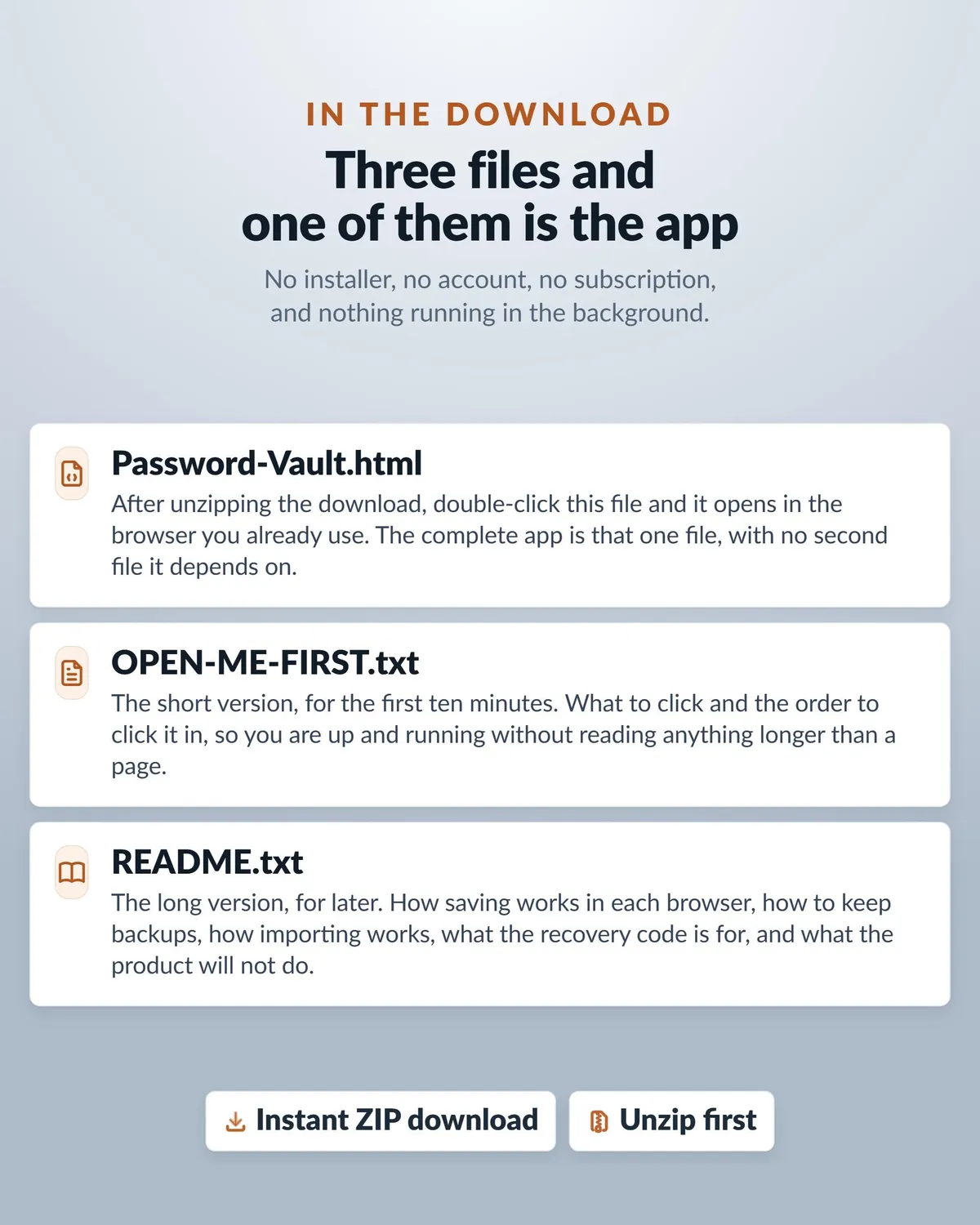
A ZIP with three files: Password-Vault.html, which is the app itself, plus OPEN-ME-FIRST.txt and README.txt.
This is a digital download. Nothing is shipped, and returns are not accepted on instant downloads. If something does not work, message me and I will help you get it running.
QUESTIONS
Message me through the shop. Tell me which browser you are using and what happened, and I will help. My email address is in the README inside your download.
Designed by me, created using AI tools.
The Etsy listing is the final source for what is included. See it on Etsy.
More in Binders and organizers

Regular Print Password Book for Seniors and Family
Help a parent, partner, or trusted family member keep important digital details in one calm…

End of Life Binder
If something happened to you tomorrow, would your family know where everything is?

Large Print Password Book for Seniors and Family
Help a parent, partner, or trusted family member keep important digital details in one calm…

Emergency Binder
Emergency Binder Printable, Fillable PDF, In Case of Emergency Family Binder: a complete…