
Content Calendar
Content Calendar, Social Media Post Planner, Hashtag Library, Google Sheets Excel
$14.98
Buy on EtsyOpens the listing on Etsy in a new tab. Checkout happens on Etsy.
Made for Google Sheets. An Excel file is included, and it works best with current Excel (Excel 2021 or newer).
- Instant digital download
- Buy through Etsy checkout
- No subscription
- Made by Utility Forge Studio
- Questions? Email utilityforgestudio@gmail.com
See it in use
About this download
Plan social posts, content pillars, hashtags and monthly analytics in one navy dashboard workbook. Built for creators and small shops who want one place to schedule ideas, see the month and the week at a glance, and log results after publishing.
𝗪𝗛𝗔𝗧 𝗬𝗢𝗨 𝗥𝗘𝗖𝗘𝗜𝗩𝗘
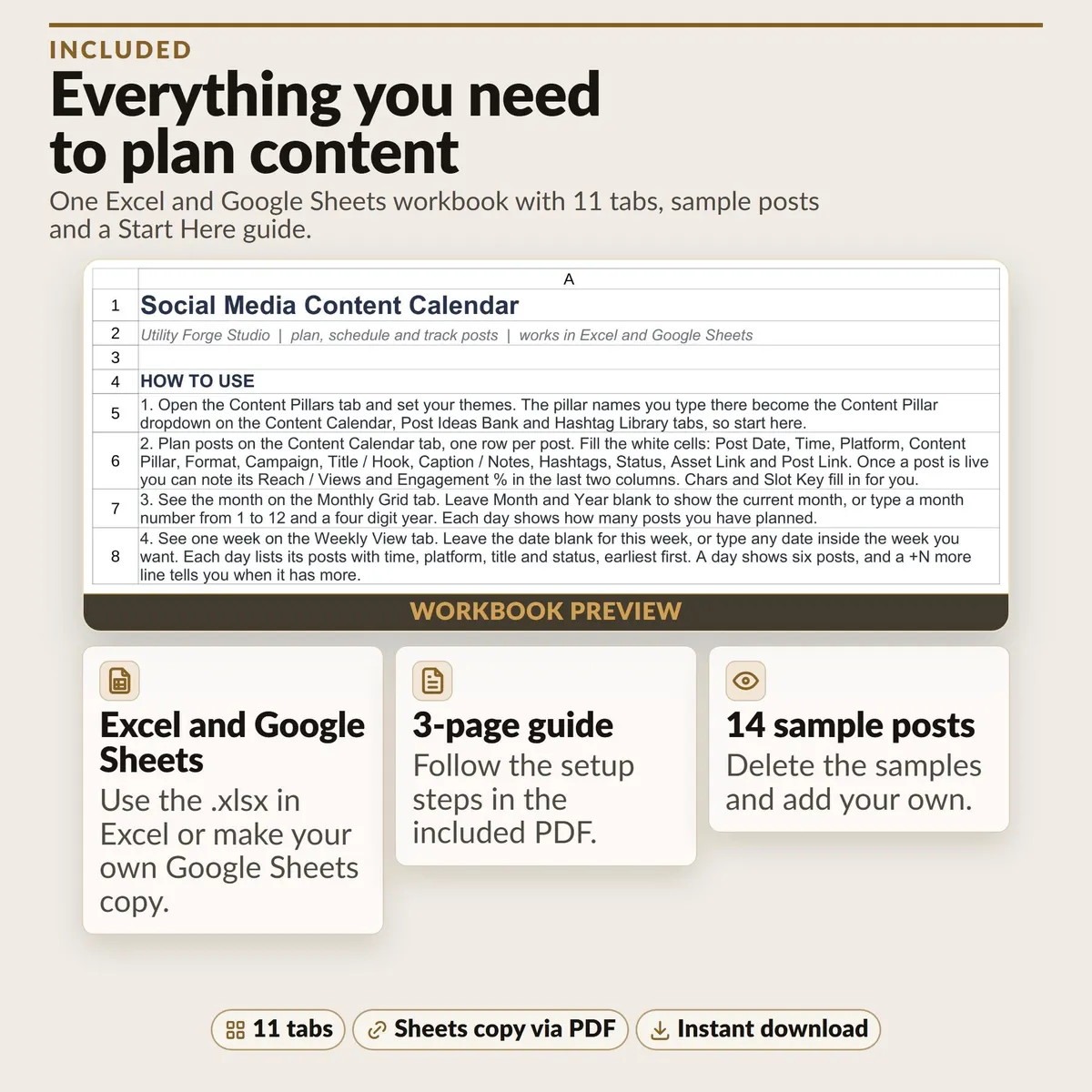
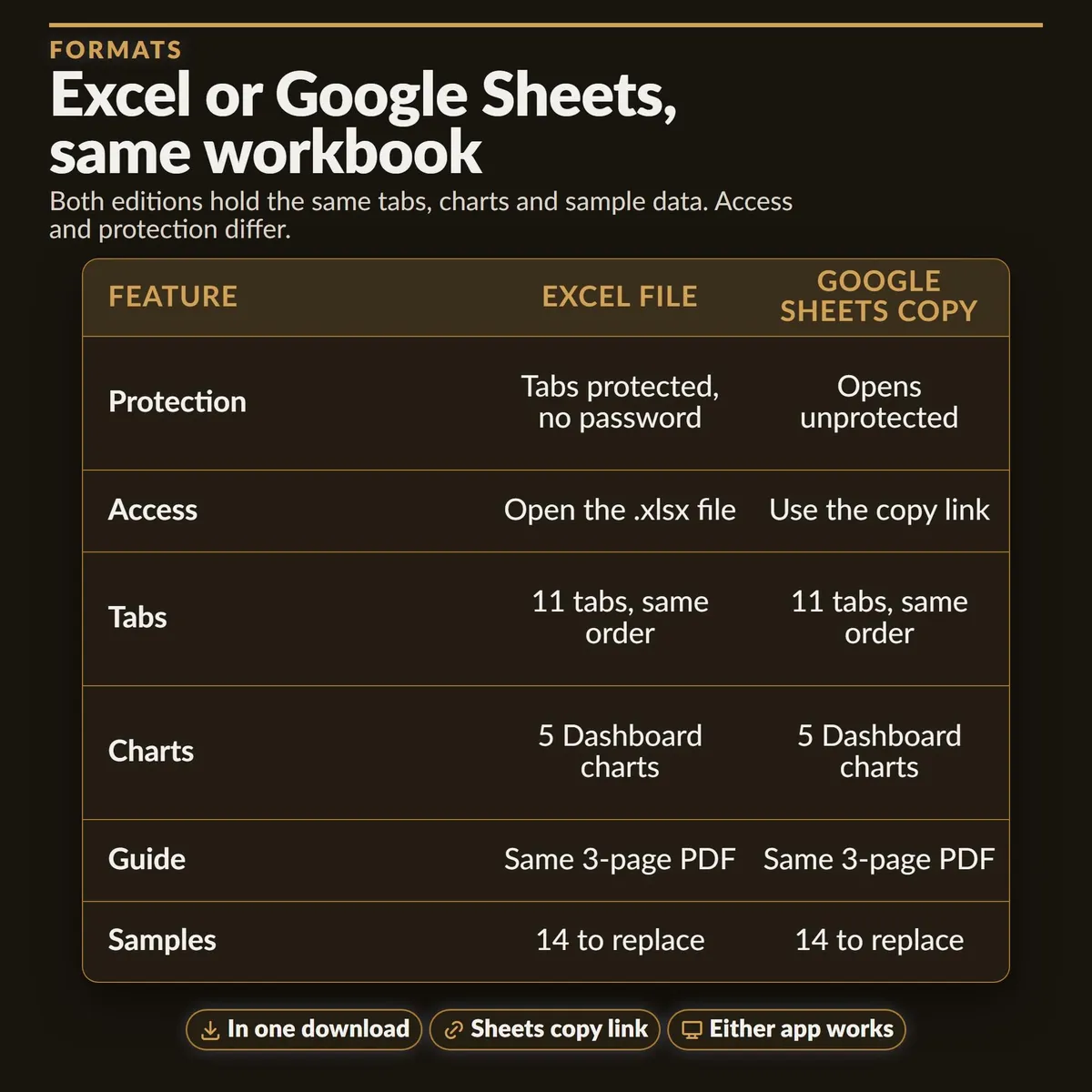
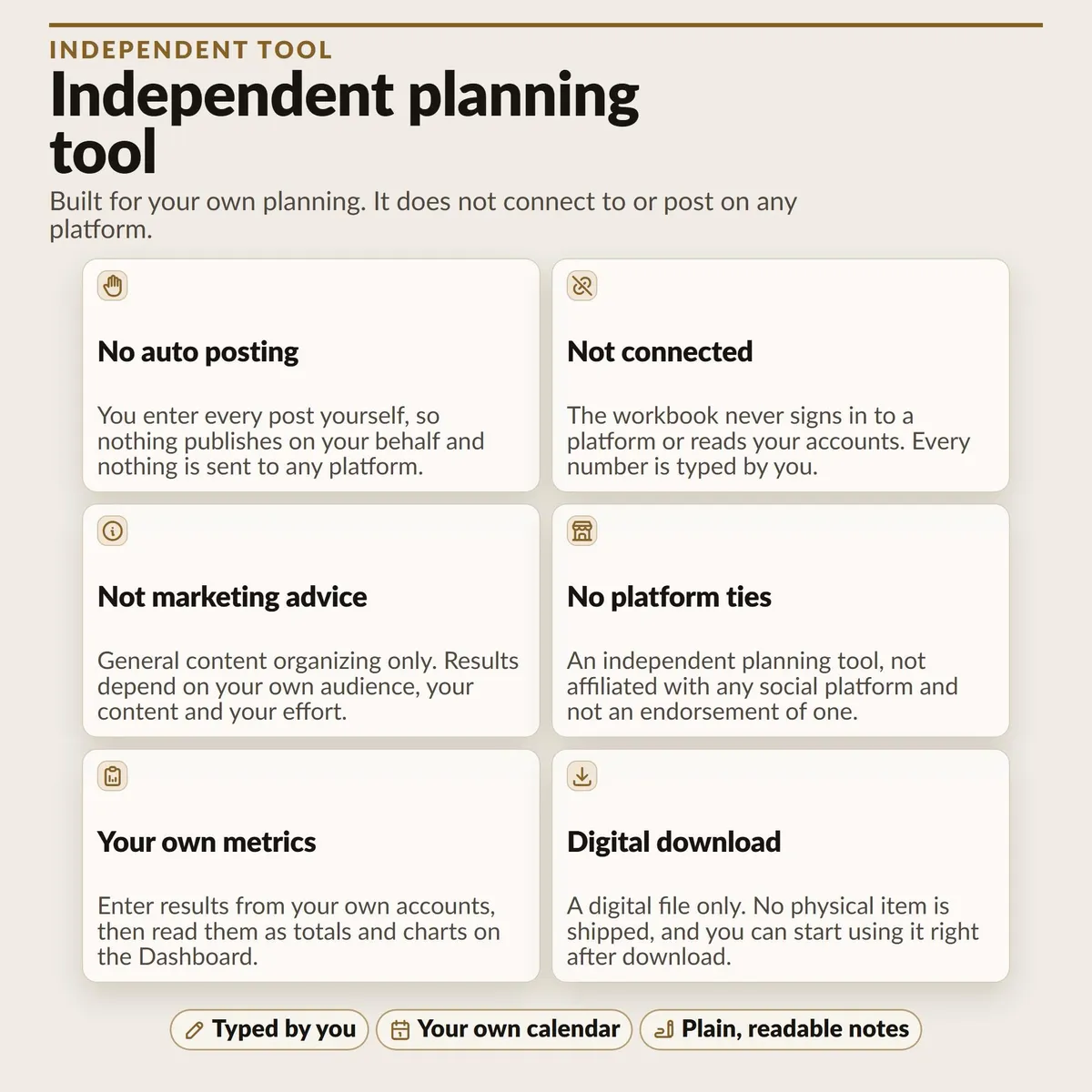
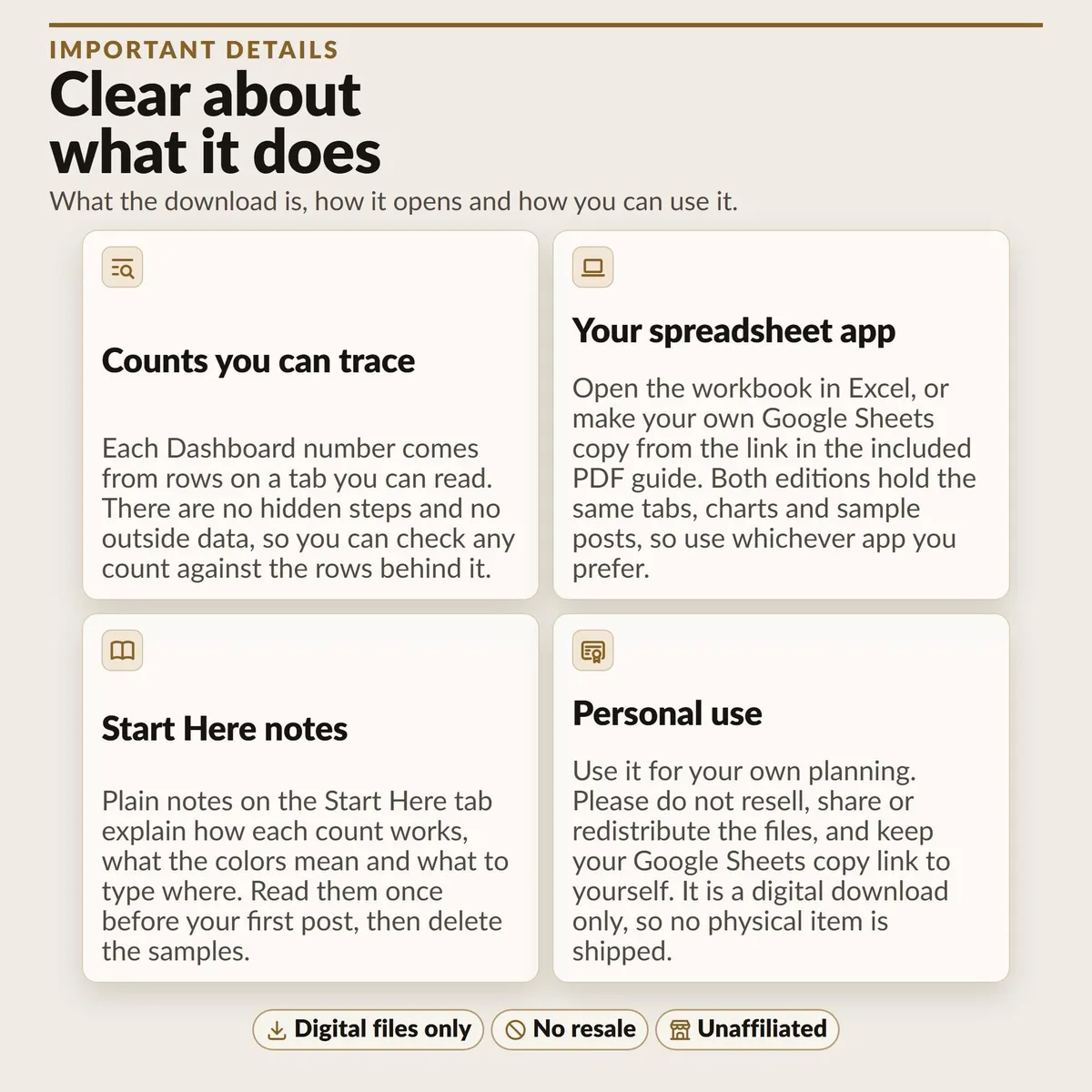
One Excel .xlsx workbook with 11 tabs, a text file with a Google Sheets copy link, and a 3 page Start Here PDF with setup steps. Use the link file to make your own editable copy in Google Drive. The workbook also uploads to Google Sheets. Sample posts are dated from today so the Dashboard, Monthly Grid and Weekly View open with data in them. Sample counts: 14 calendar posts, 7 post ideas, 6 hashtag sets, 36 analytics rows and 6 starter pillars. When you are ready, set Show sample data on Start Here to FALSE to hide the sample posts and analytics rows (set it back to TRUE to see them again); it never changes anything you typed. Edit or delete the sample ideas, hashtag sets and pillars yourself. This workbook organizes your plan; it does not post for you or connect to any social account.
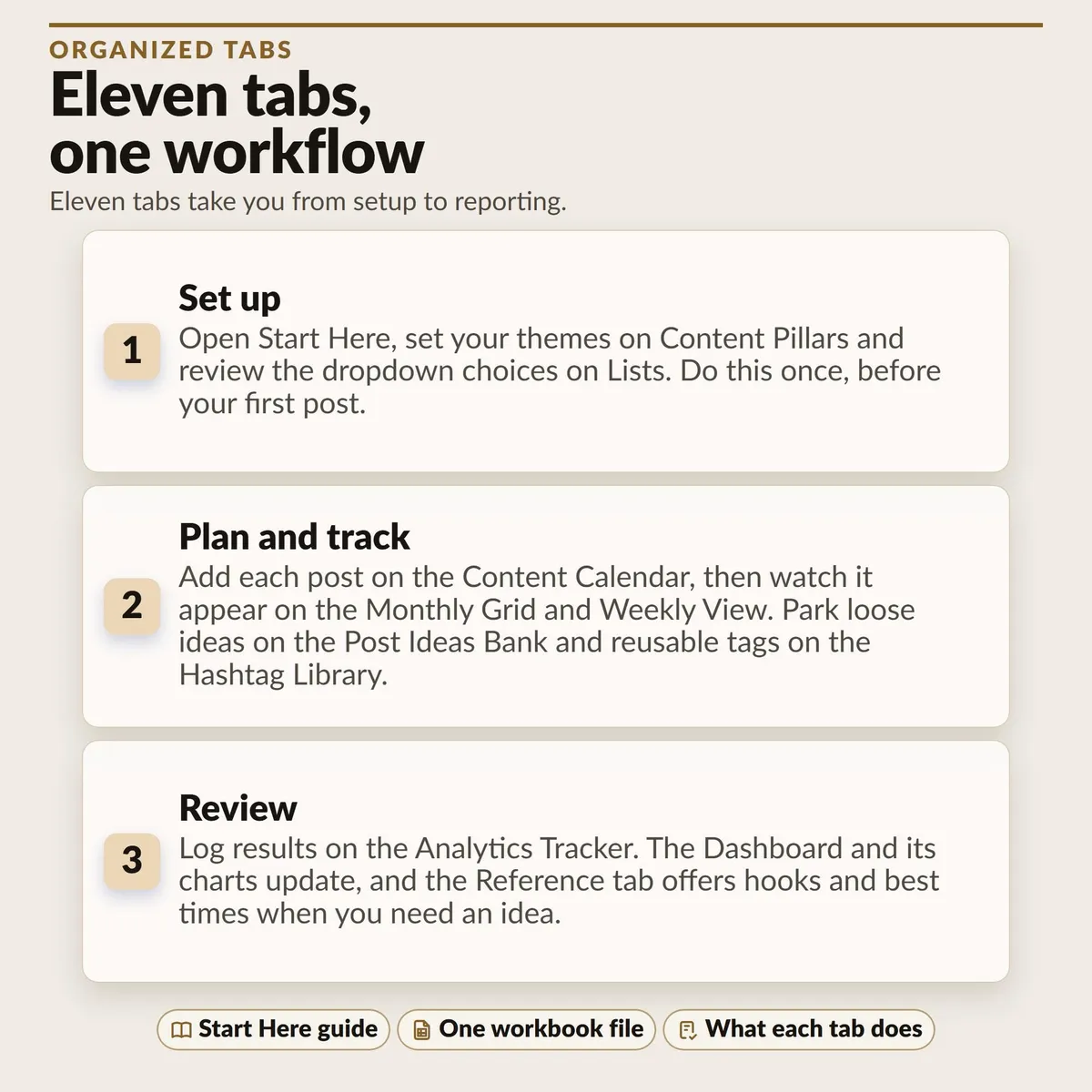
𝗧𝗛𝗘 𝗘𝗟𝗘𝗩𝗘𝗡 𝗧𝗔𝗕𝗦
Start Here: how to use the workbook, color key and printing notes.
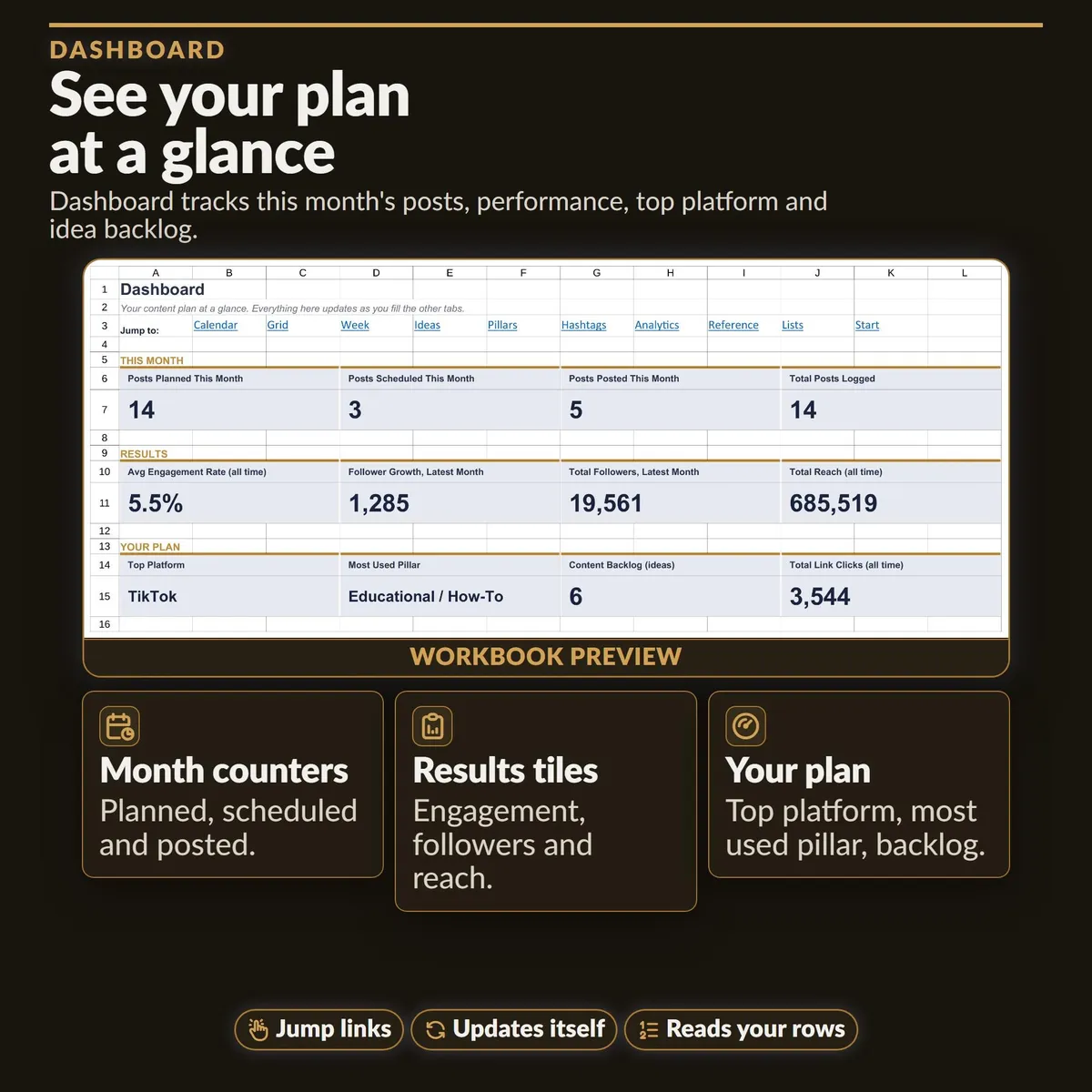
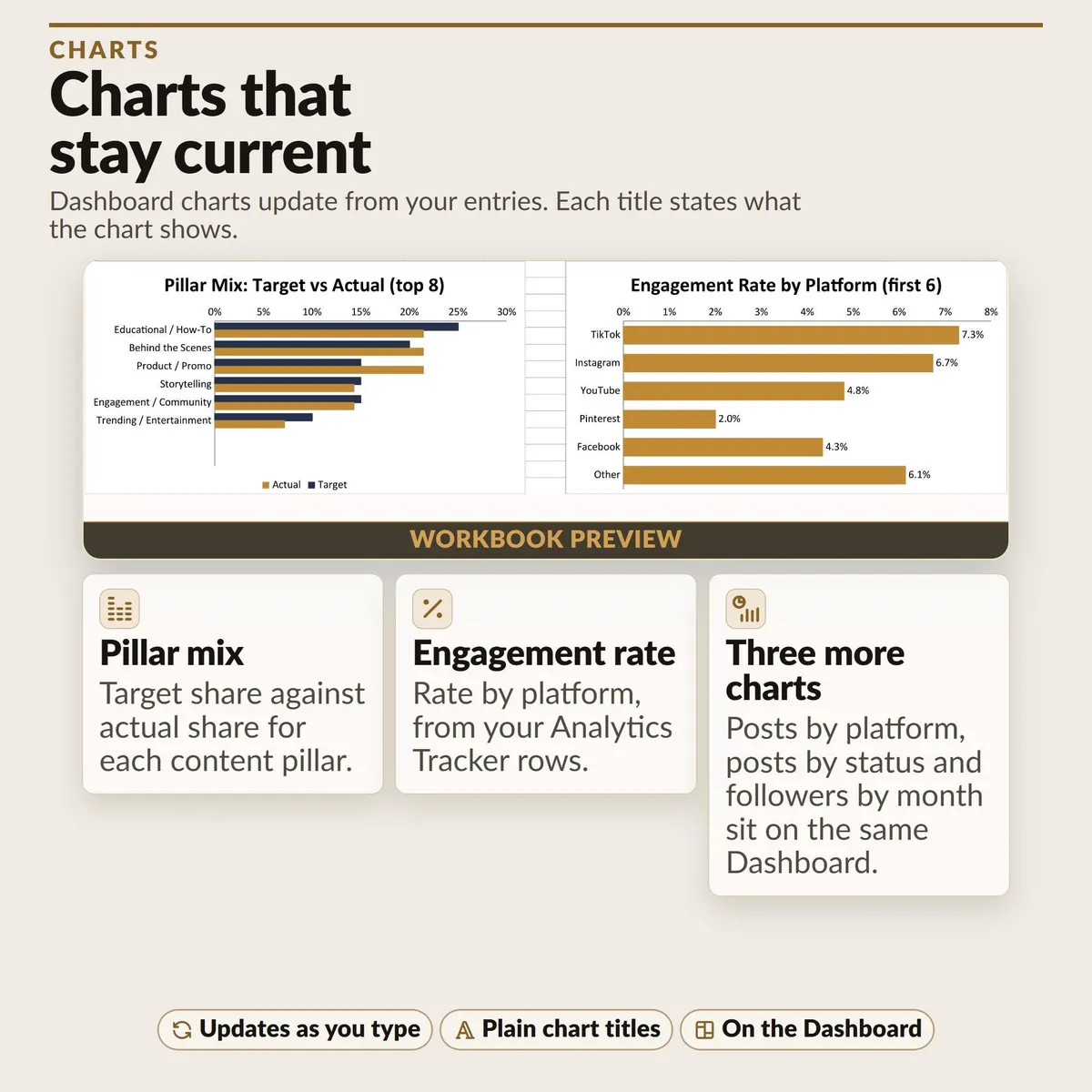
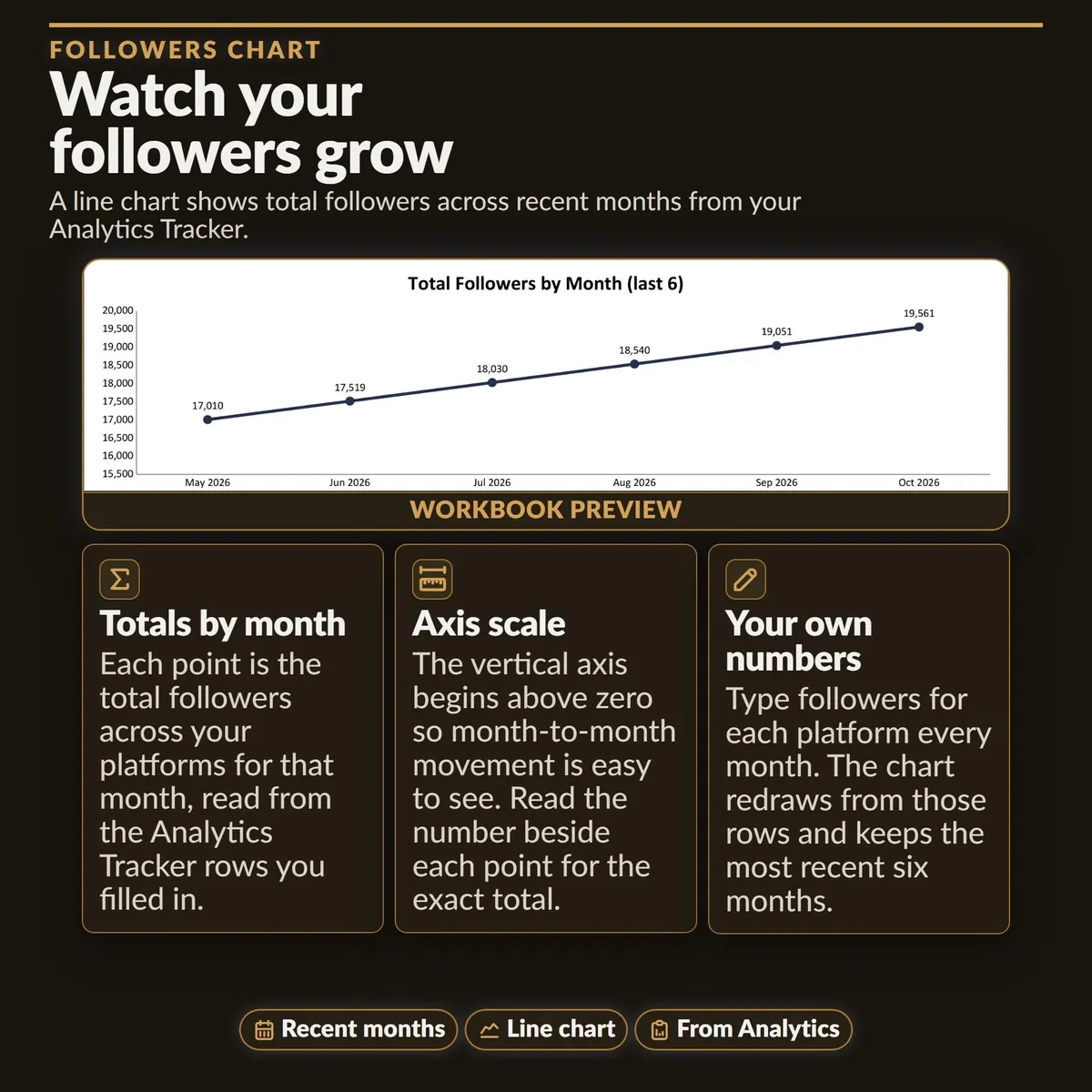
Dashboard: twelve KPI tiles and five charts for posts, platforms, statuses, pillar mix, engagement and followers.
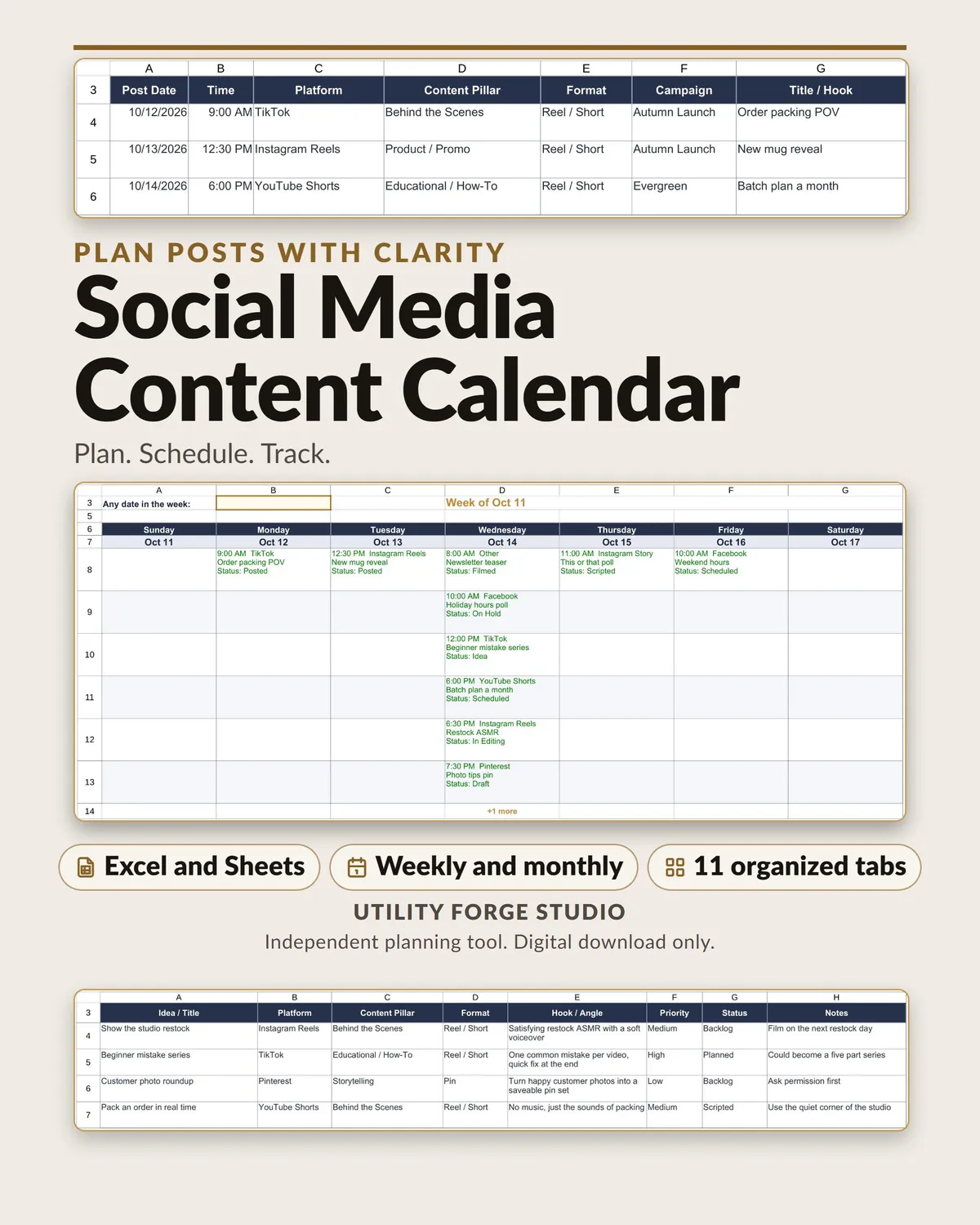
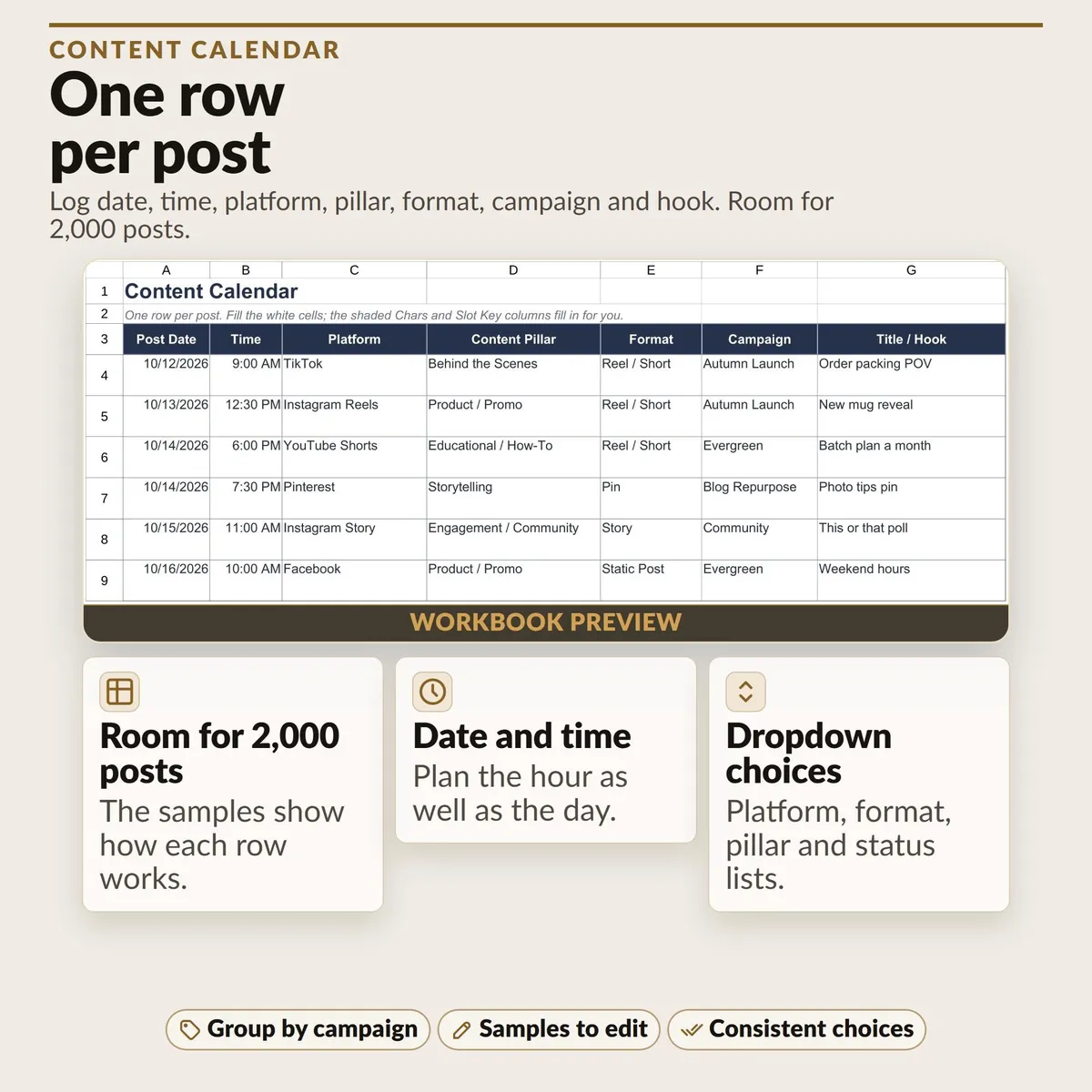
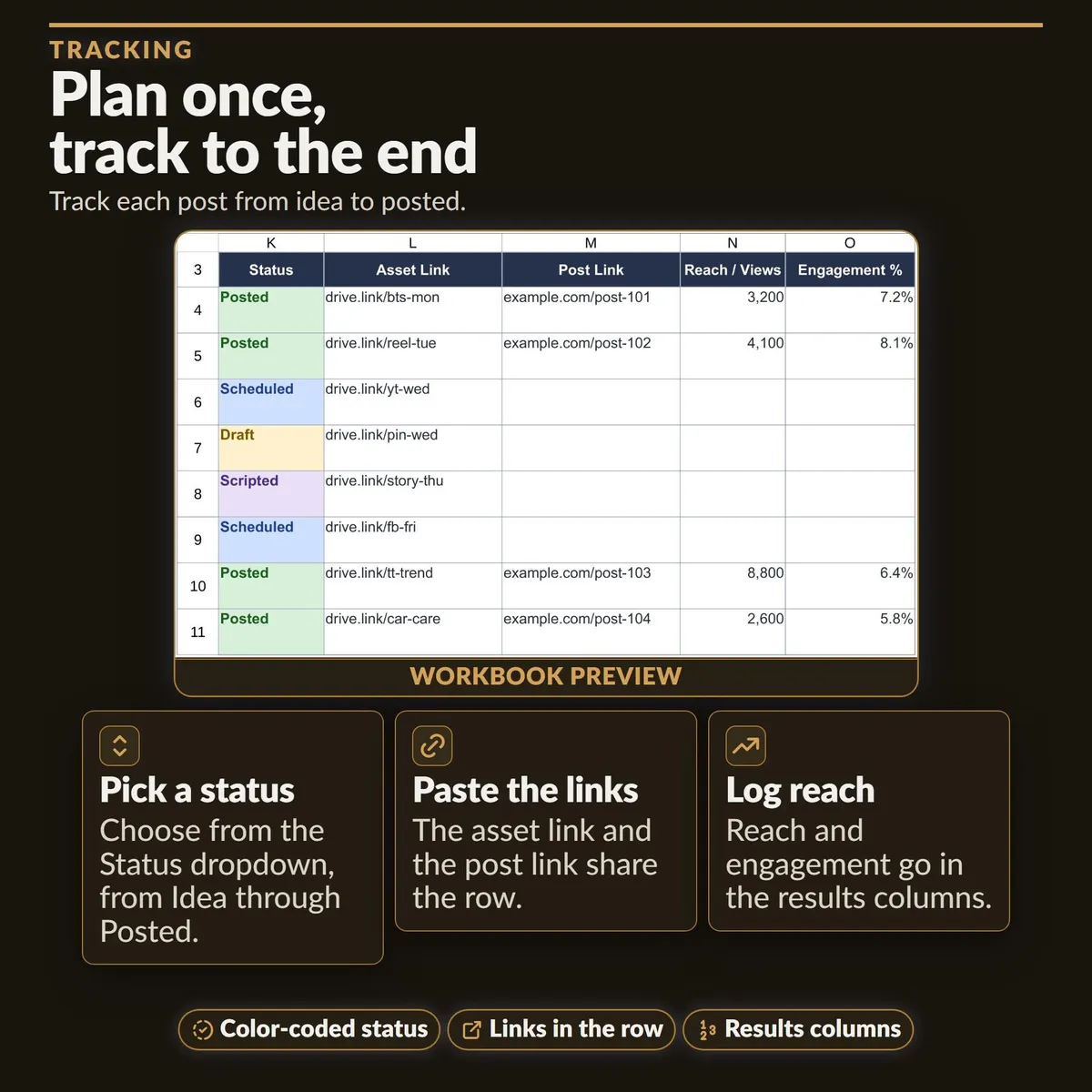
Content Calendar: room for 2,000 posts (14 samples included), one per row, with date, time, platform, pillar, format, campaign, title, caption, character count, hashtags, status, asset link, post link, reach, and Engagement %.
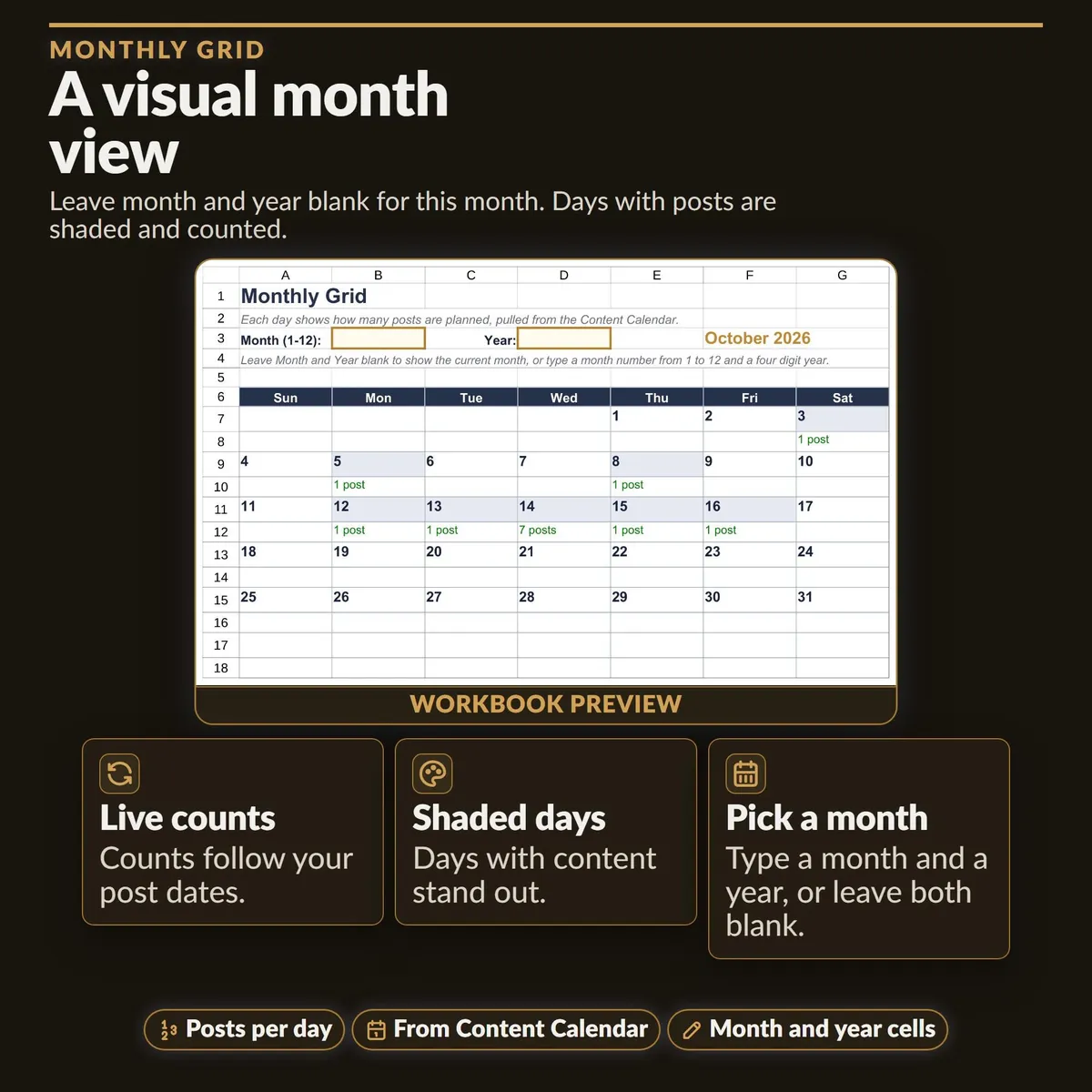
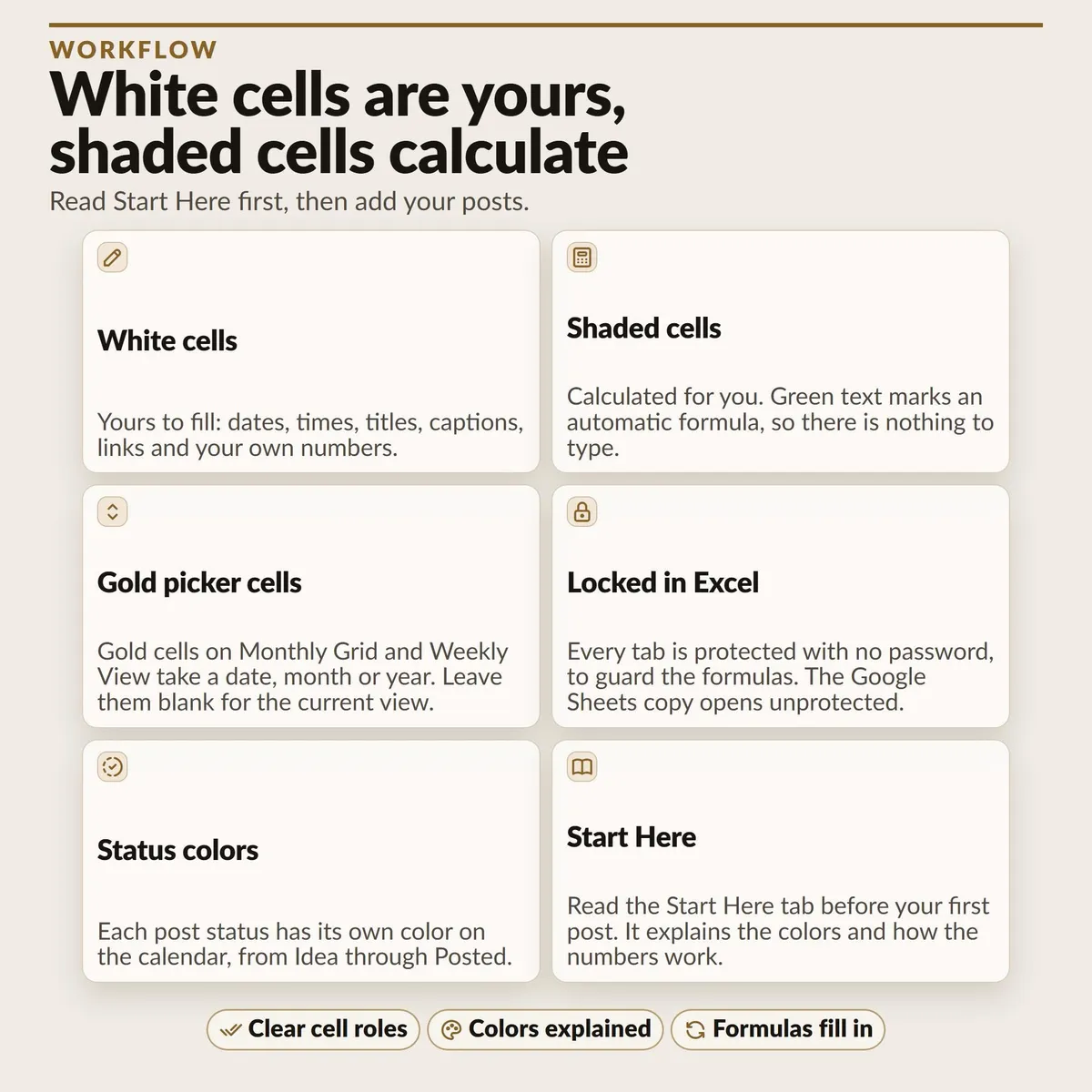
Monthly Grid: leave month and year blank for this month, or type a month and year to see which days already have posts planned.
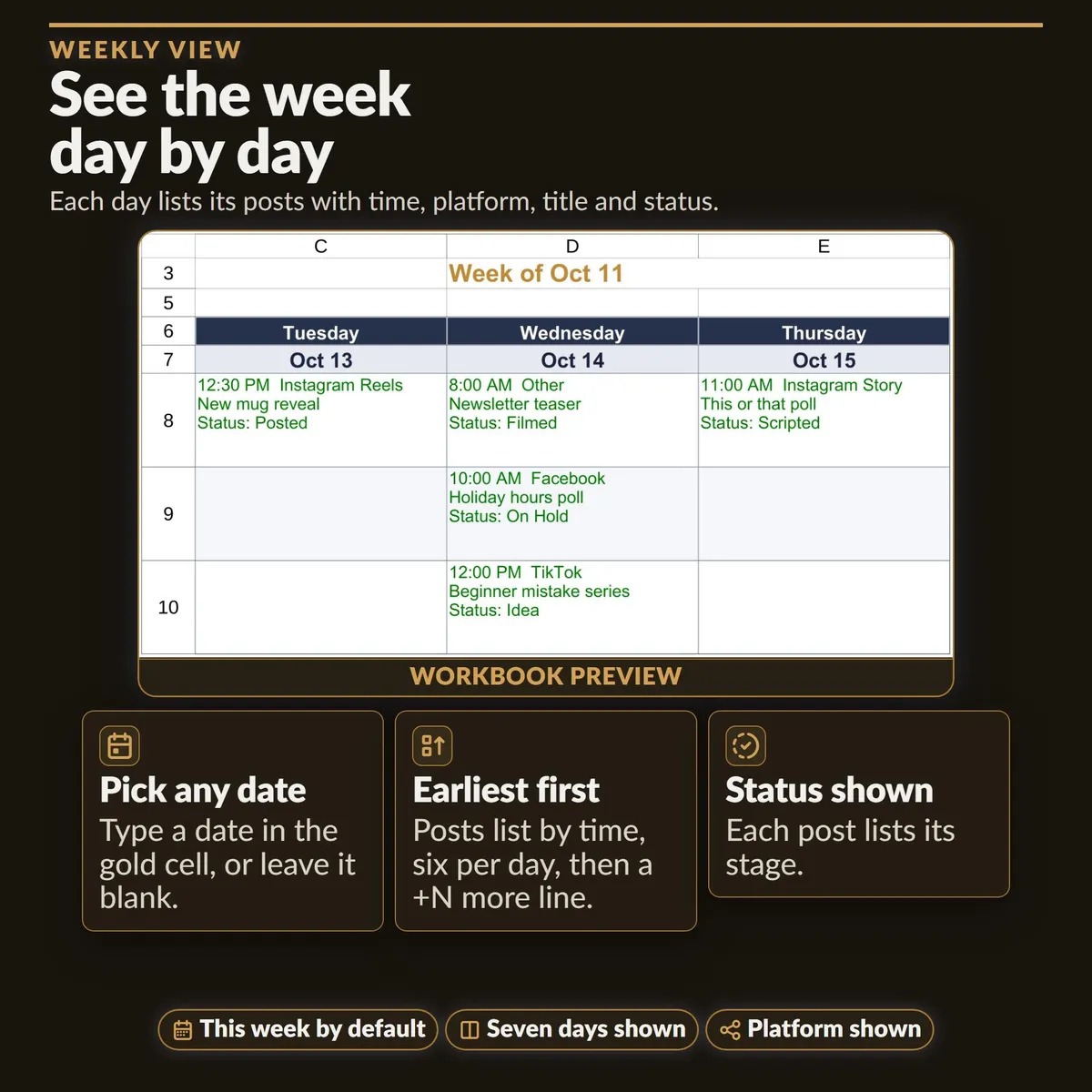
Weekly View: one week laid out day by day, earliest time first, with platform, title and status. It shows the first six posts of a day and a +N more line when there are others.
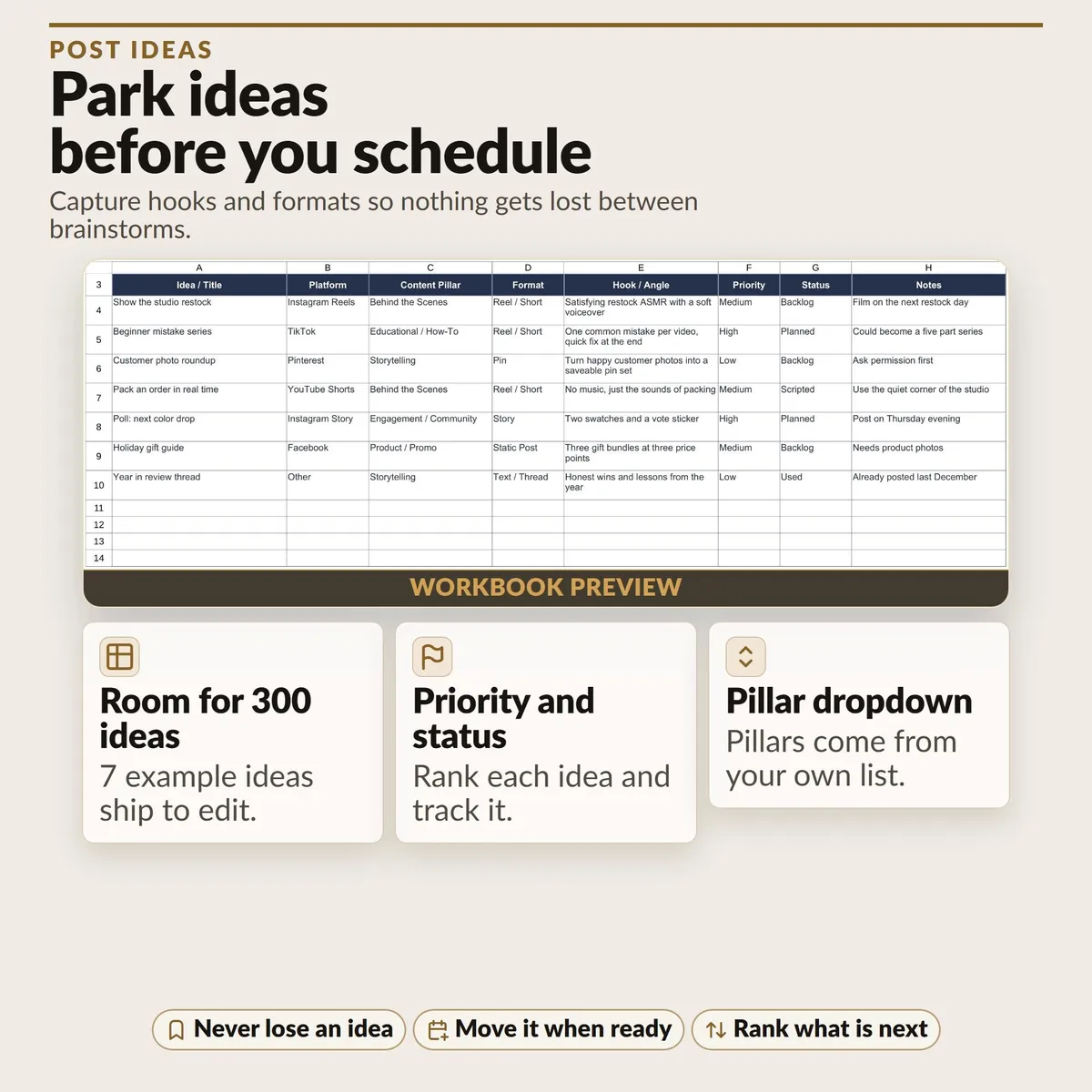
Post Ideas Bank: room for 300 ideas (7 samples included) to park hooks before you schedule them.
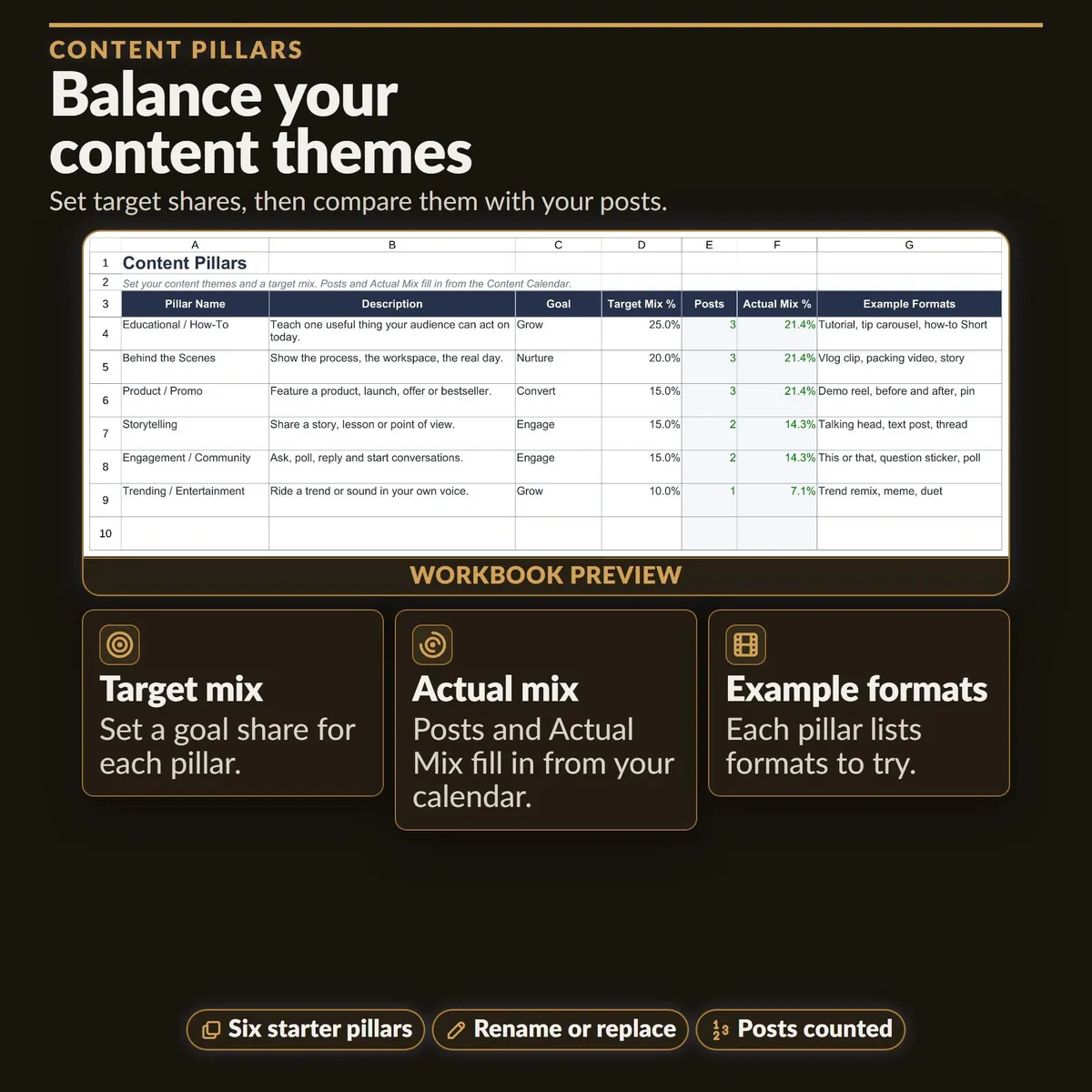
Content Pillars: six starter pillars with target mix percentages compared to what you actually post.
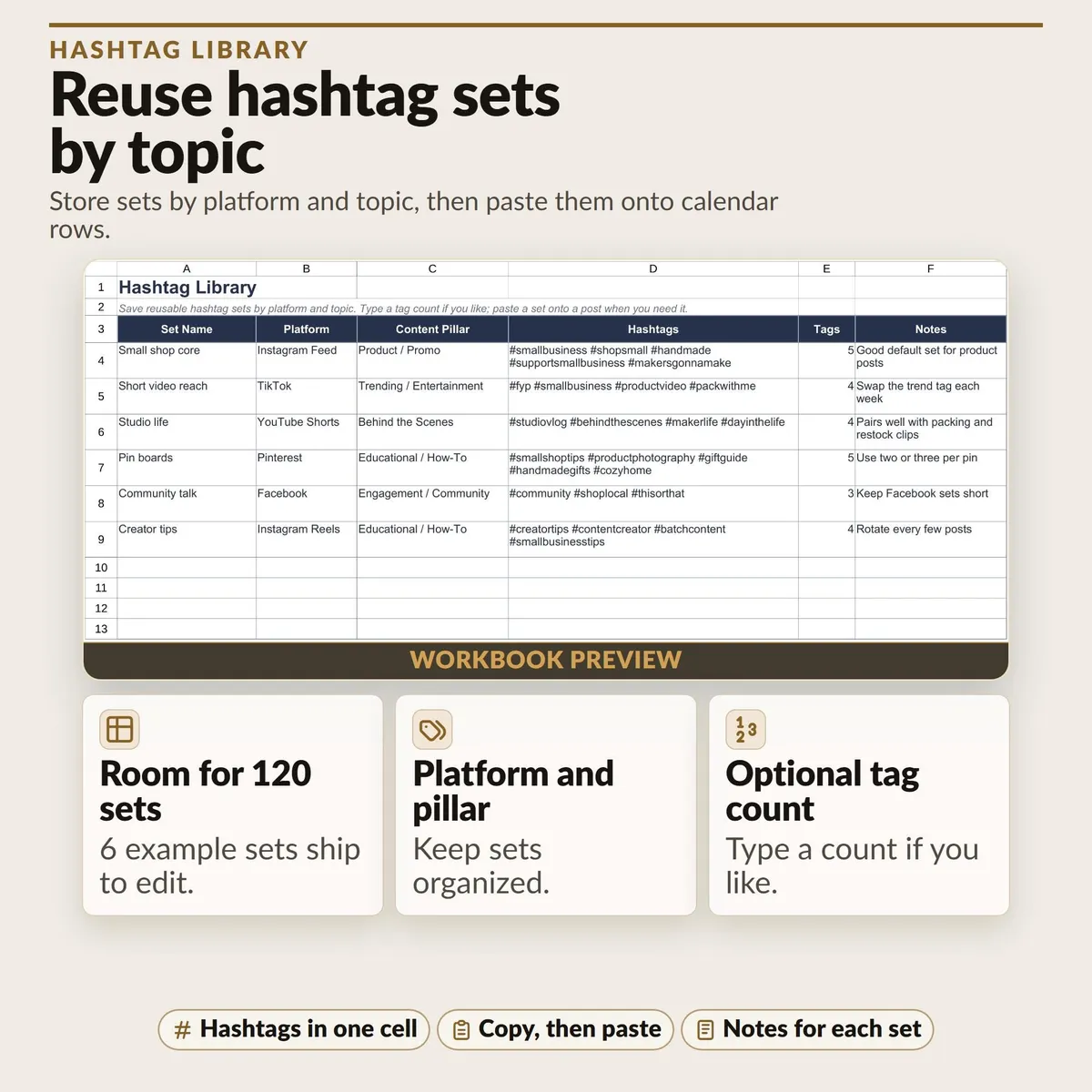
Hashtag Library: room for 120 reusable hashtag sets by platform and topic (6 samples included).
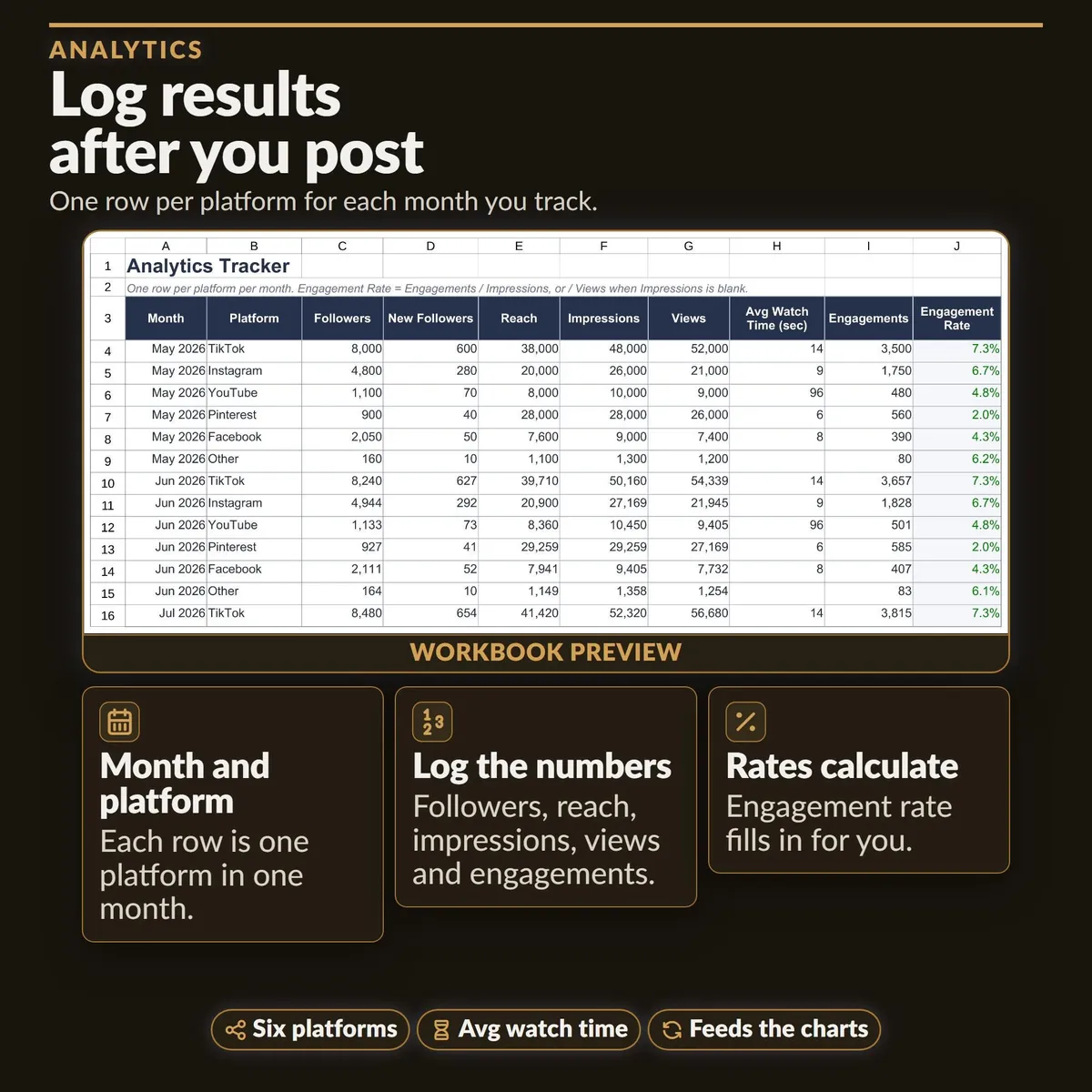
Analytics Tracker: room for 200 rows (36 samples included) for followers, reach, impressions, views, watch time, engagements and engagement rate by platform and month.
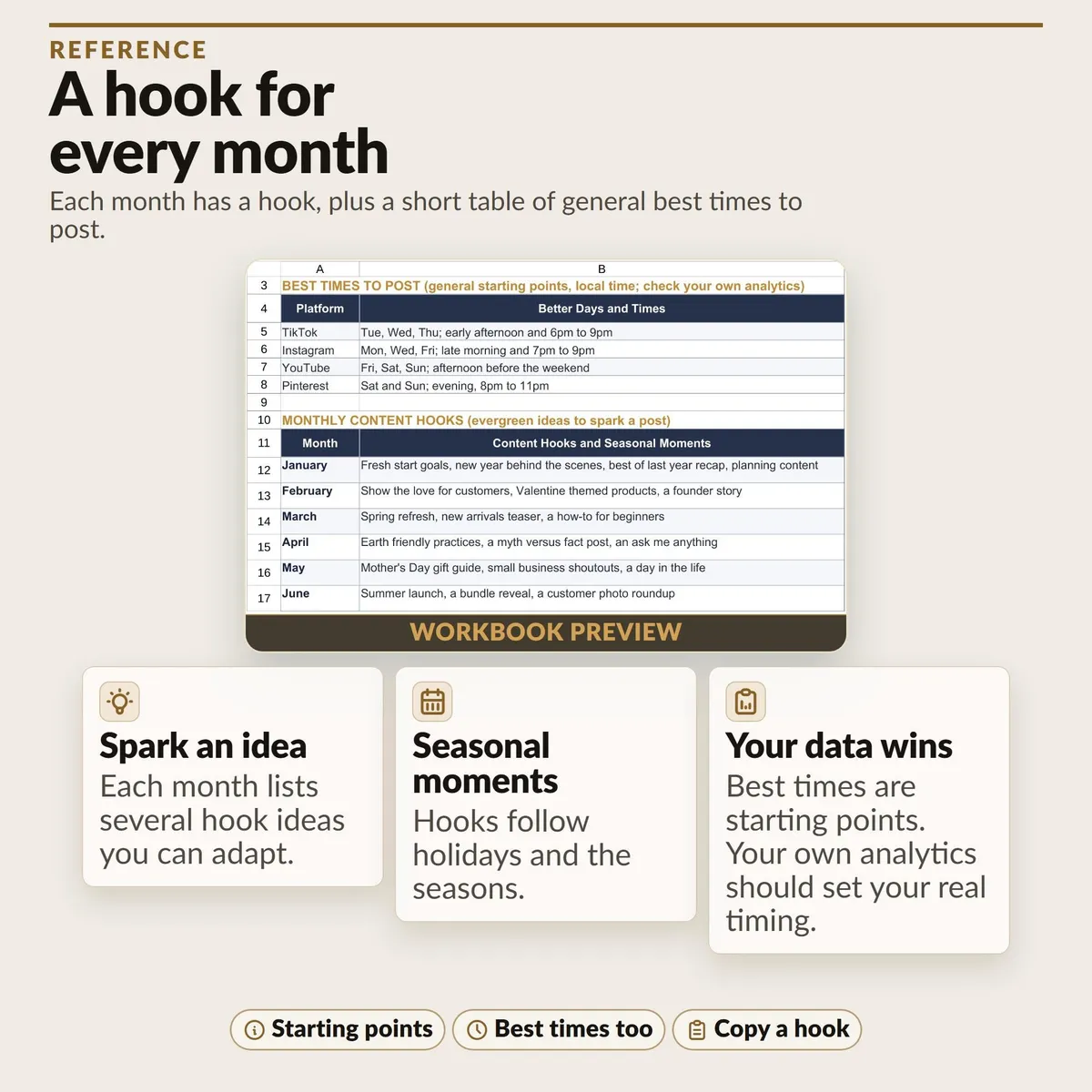
Reference: general posting time ideas and monthly content hooks (starting points only).
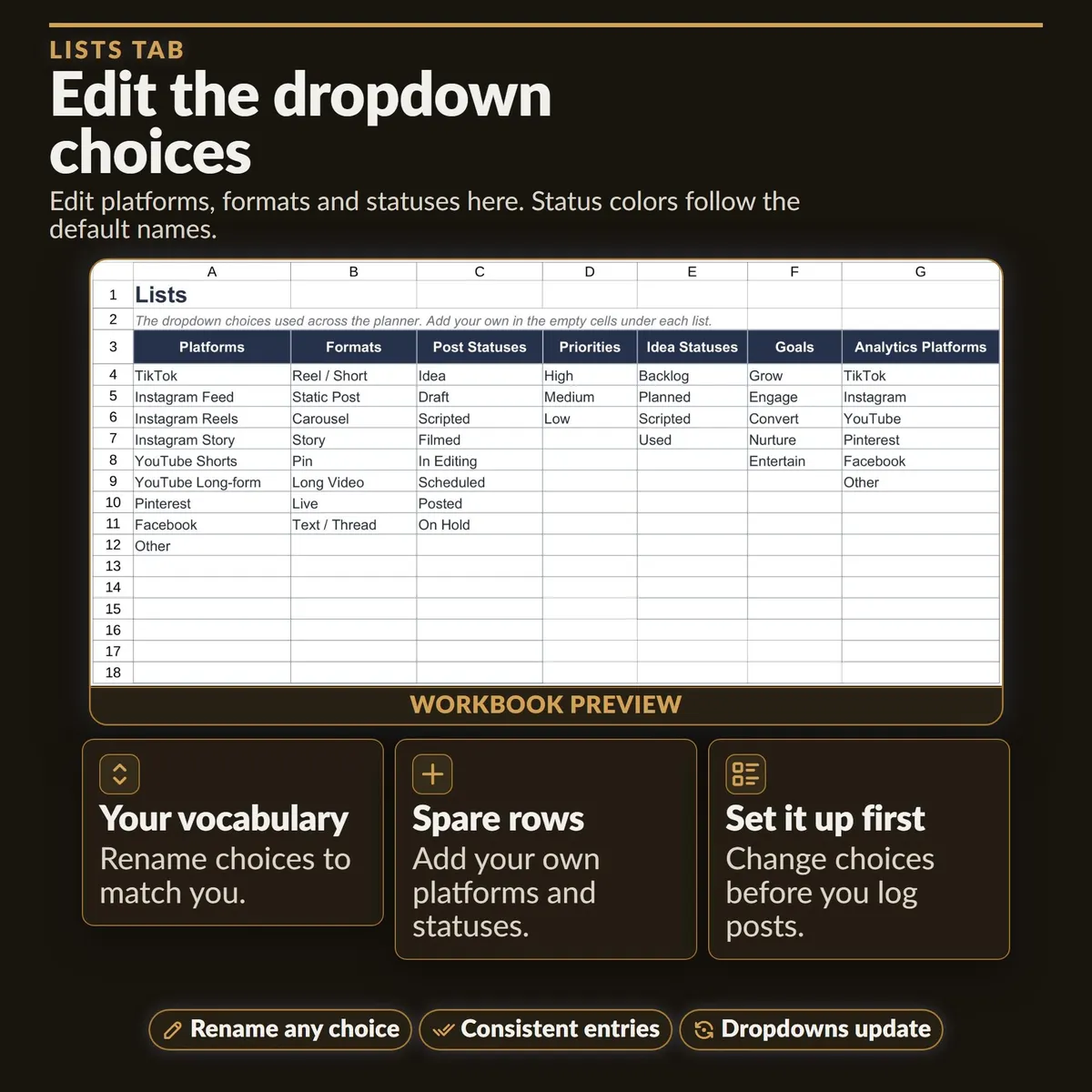
Lists: editable dropdown choices with spare rows for your own platforms, formats and statuses.
𝗛𝗢𝗪 𝗧𝗢 𝗦𝗧𝗔𝗥𝗧
Read Start Here, then add your own posts. Type only in the white cells. Shaded cells with green text are formulas that fill in on their own. In the Excel file every tab is protected with no password, so you cannot overwrite formulas by accident; use Review, then Unprotect Sheet if you want to sort or filter. The Google Sheets copy opens unprotected.
Change the Lists tab choices BEFORE you start logging posts. If you rename a choice later, update the rows that already use the old name (Find and Replace works) or they drop out of the counts. Status colors apply to the eight built-in status names.
𝗜𝗠𝗣𝗢𝗥𝗧𝗔𝗡𝗧
Independent planning tool. Not affiliated with, sponsored by, or endorsed by any social platform. Utility Forge Studio is not affiliated with, sponsored by, or endorsed by Google or Microsoft.
This is a general content organizing tool, not marketing or business advice. Platform metrics and names change over time; record what your own dashboards show.
Designed by me, created using AI tools.
Digital download only. No physical item will be shipped.
Personal use only. Do not resell or redistribute the files.
A spreadsheet application is required.
The Etsy listing is the final source for what is included. See it on Etsy.
More in Small business

Travel Agent Planner Spreadsheet
What it is not: no sales prospect tracking, no itineraries or packing lists, no invoices or…

Pricing Calculator Spreadsheet
Build each product's cost from supplies and recipes, then review a suggested selling price…

Etsy Seller Tools
Revenue isn't profit.

Bookkeeping Template
This is a done-for-you bookkeeping spreadsheet: just type your numbers and every total…